MeTrail is a location journal for iPhone. Record visits and stays automatically, revisit them on maps and calendars, and add photos and notes. Local-first, no account.
Record it quietly, find it again, keep it for years
01
Record it quietly
Choose Power Saving, Balanced, or Precise to suit your needs. Background recording needs location permission and depends on iOS and location conditions. Missed visits can be added by hand.
02
Find it again
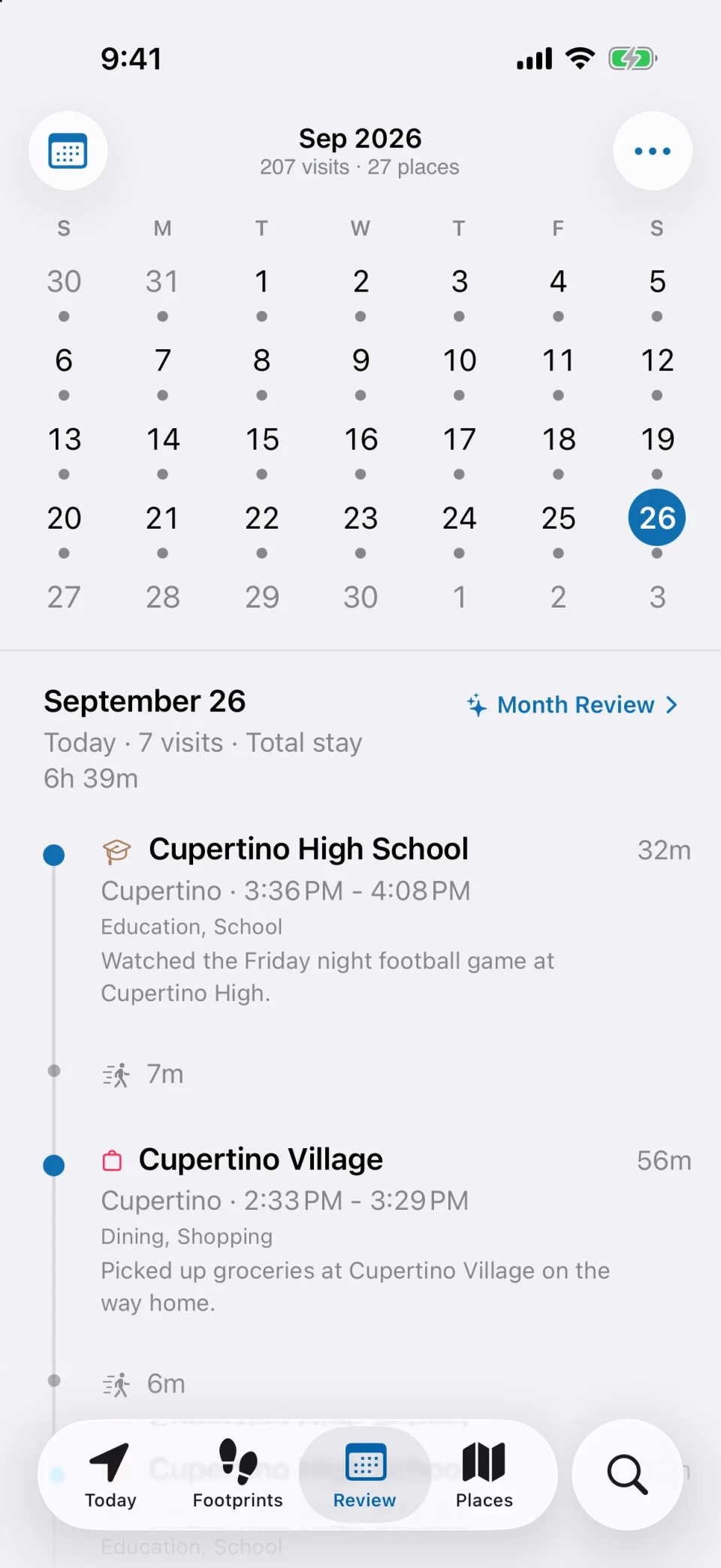
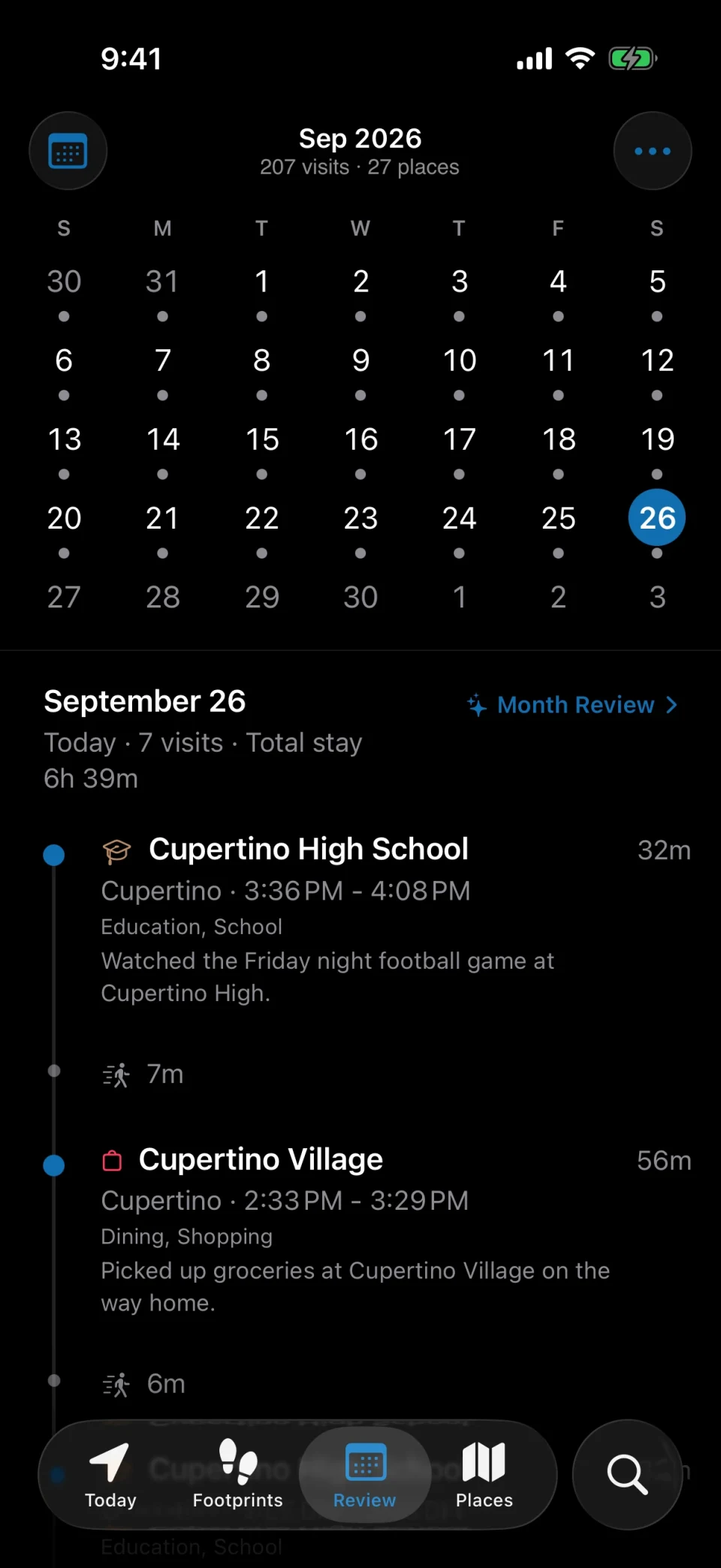
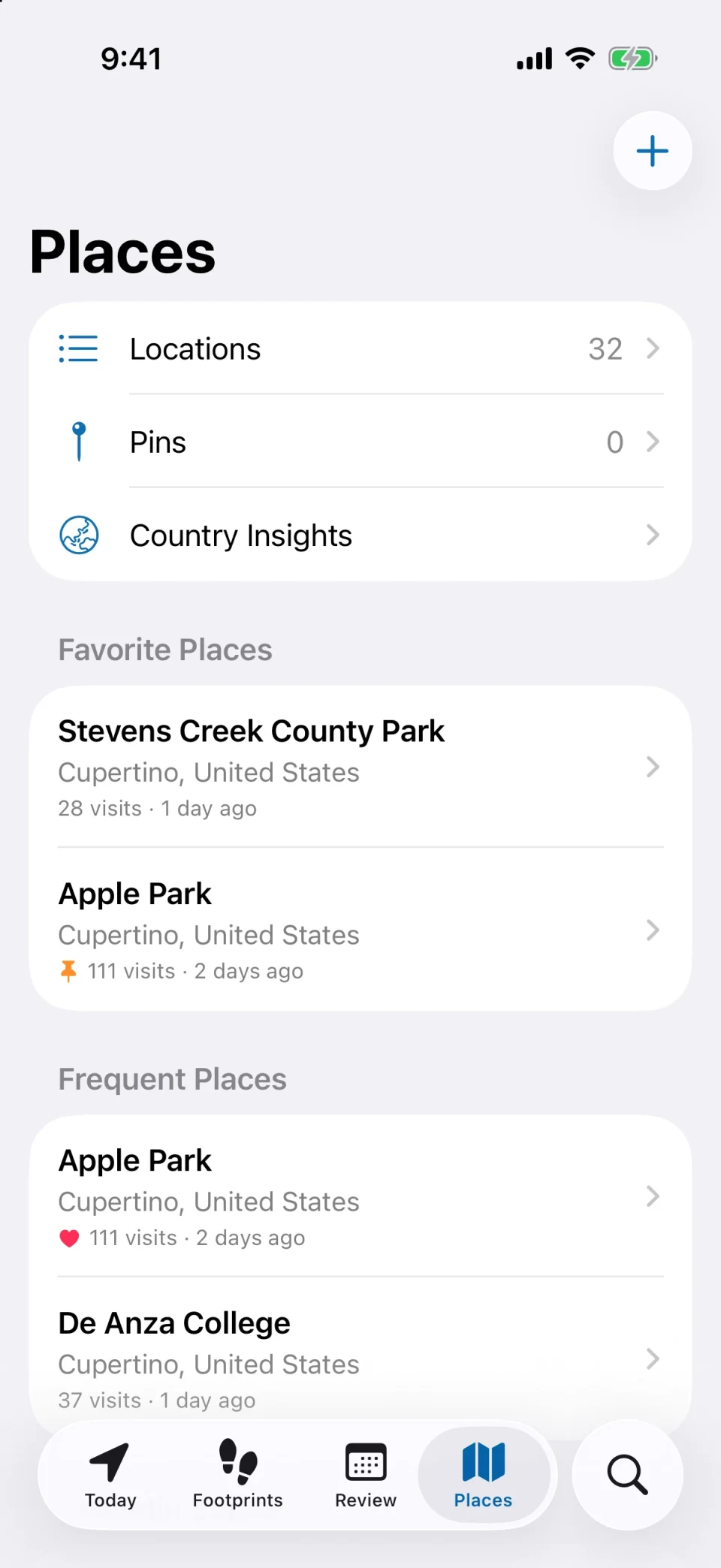
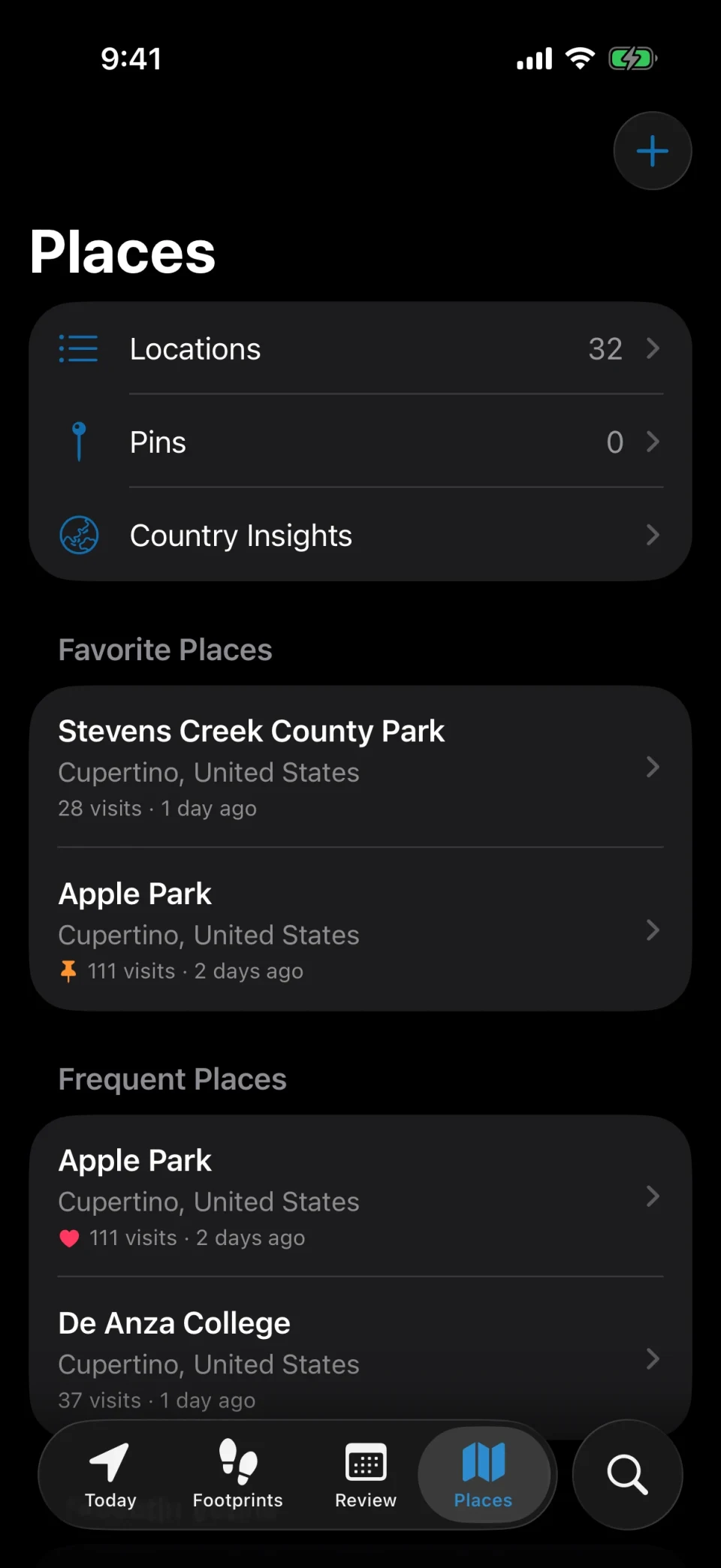
Map, timeline, calendar, and place files are four doors into the same history. Look by a day, by a place, or by a trip — every route leads back.
03
Keep it for years
History is written on device and depends on no account. Change tools or change phones whenever you like — you can take the whole thing with you instead of leaving it locked in an app.
Looking back
Where were you on that afternoon three months ago?
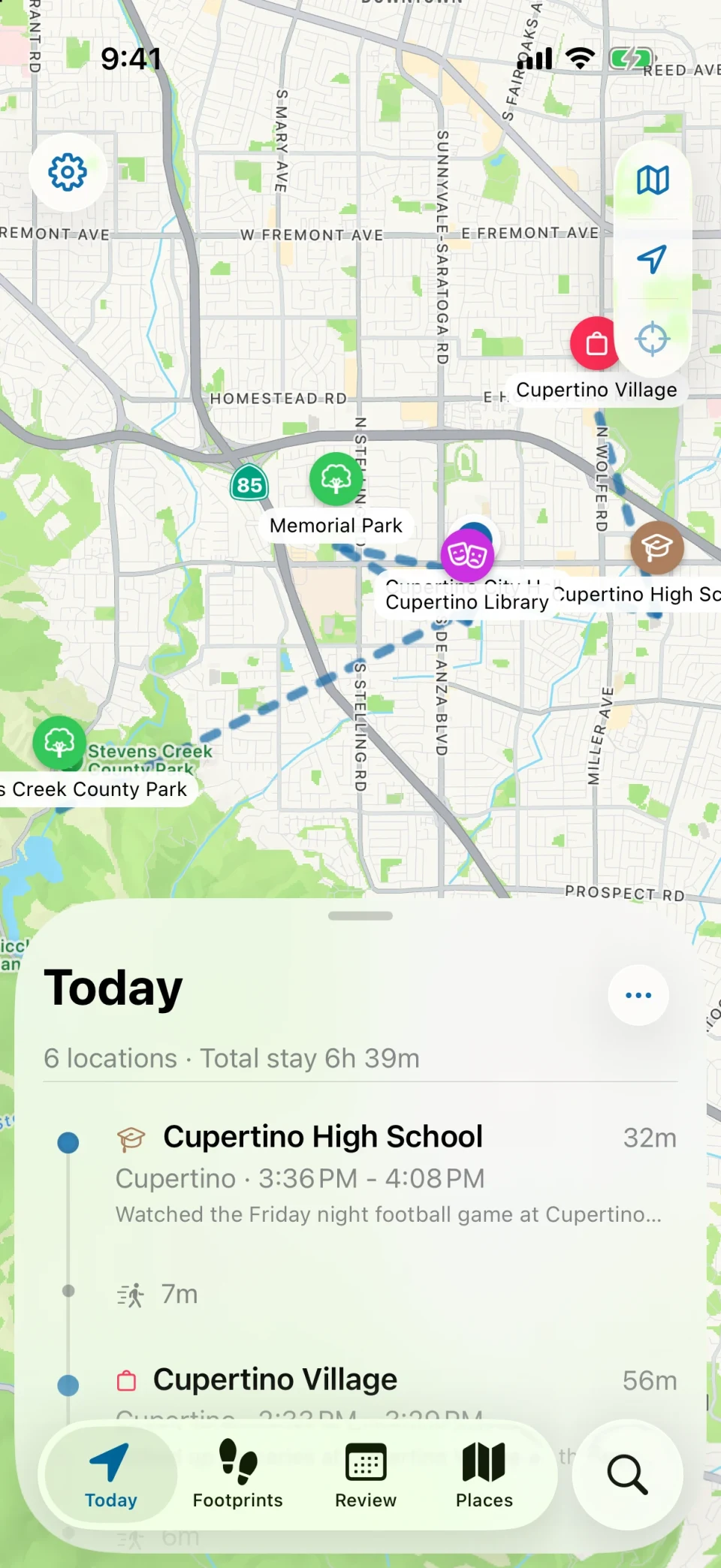
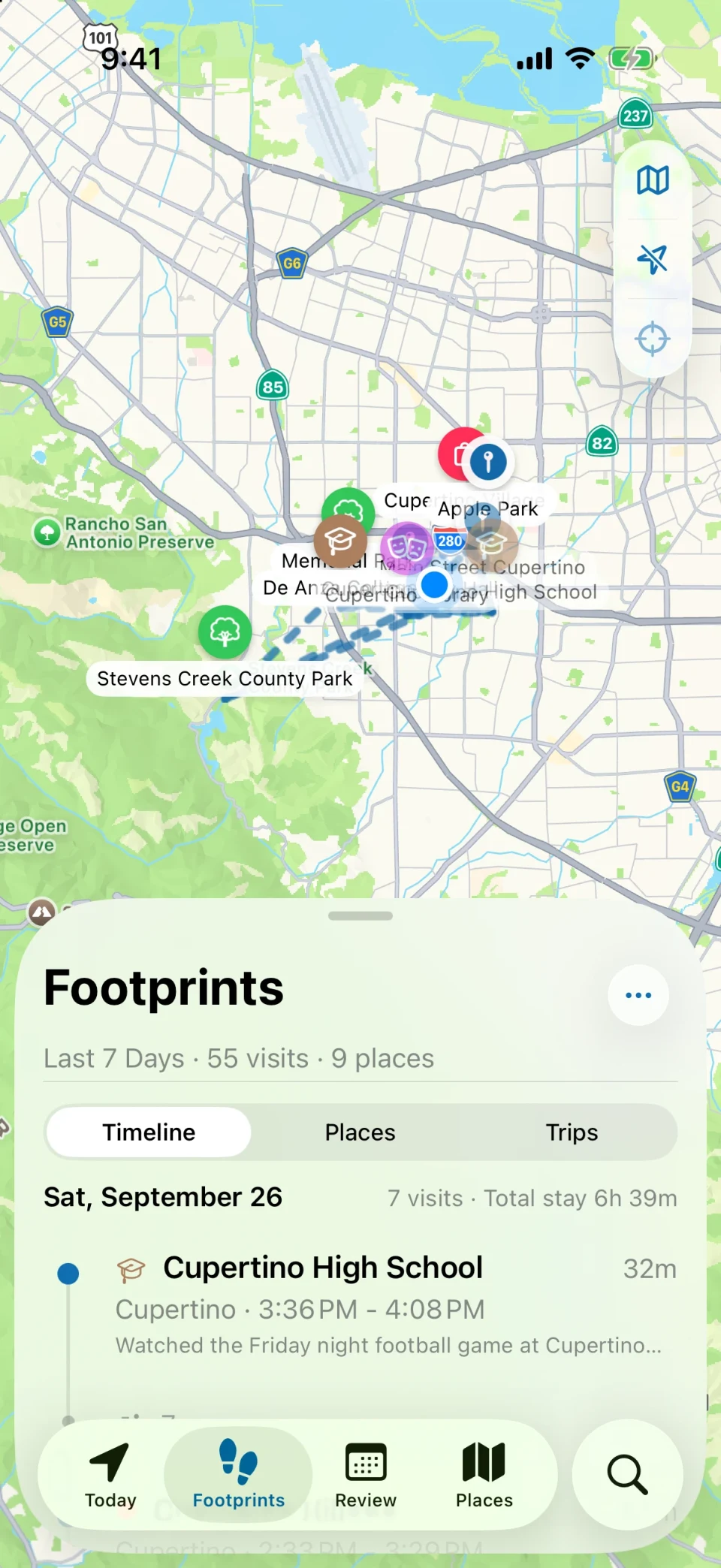
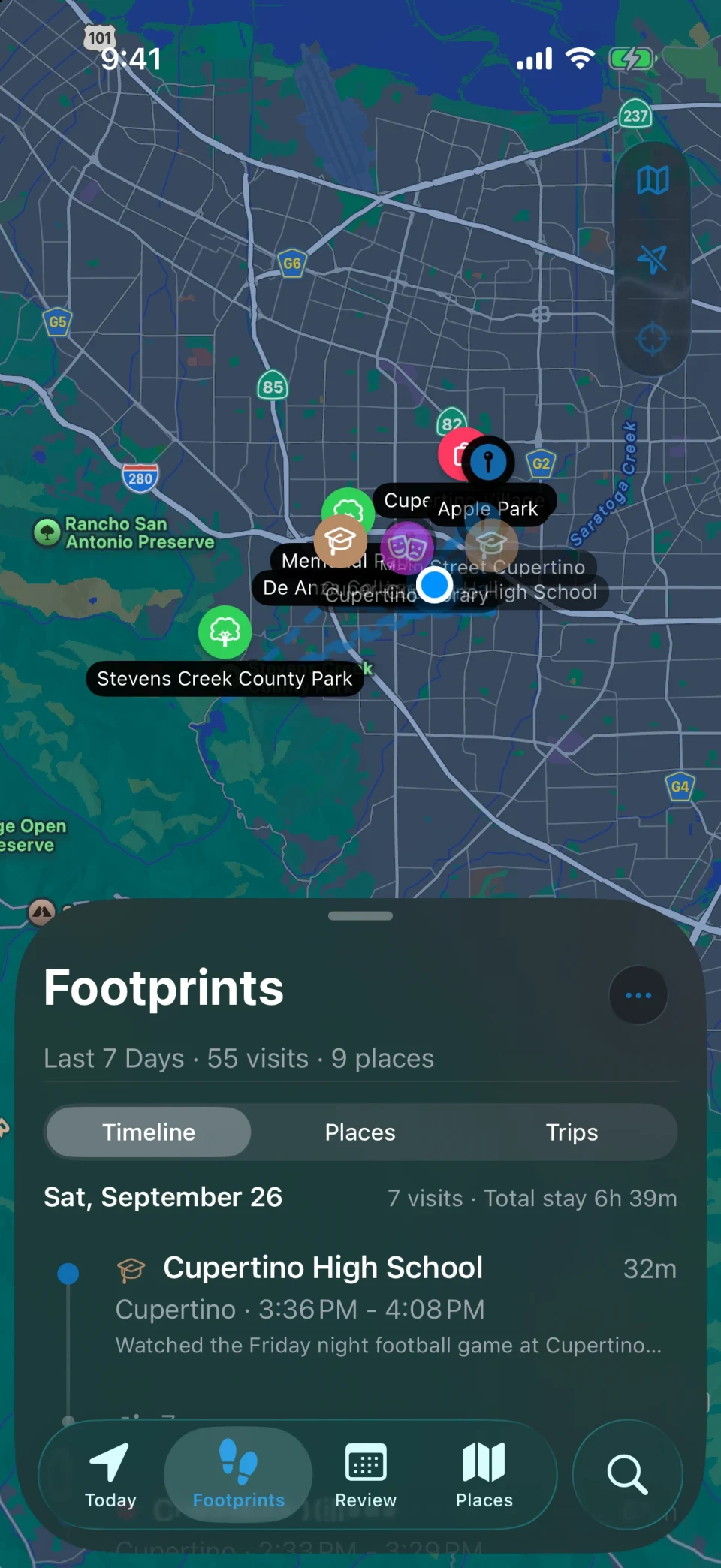
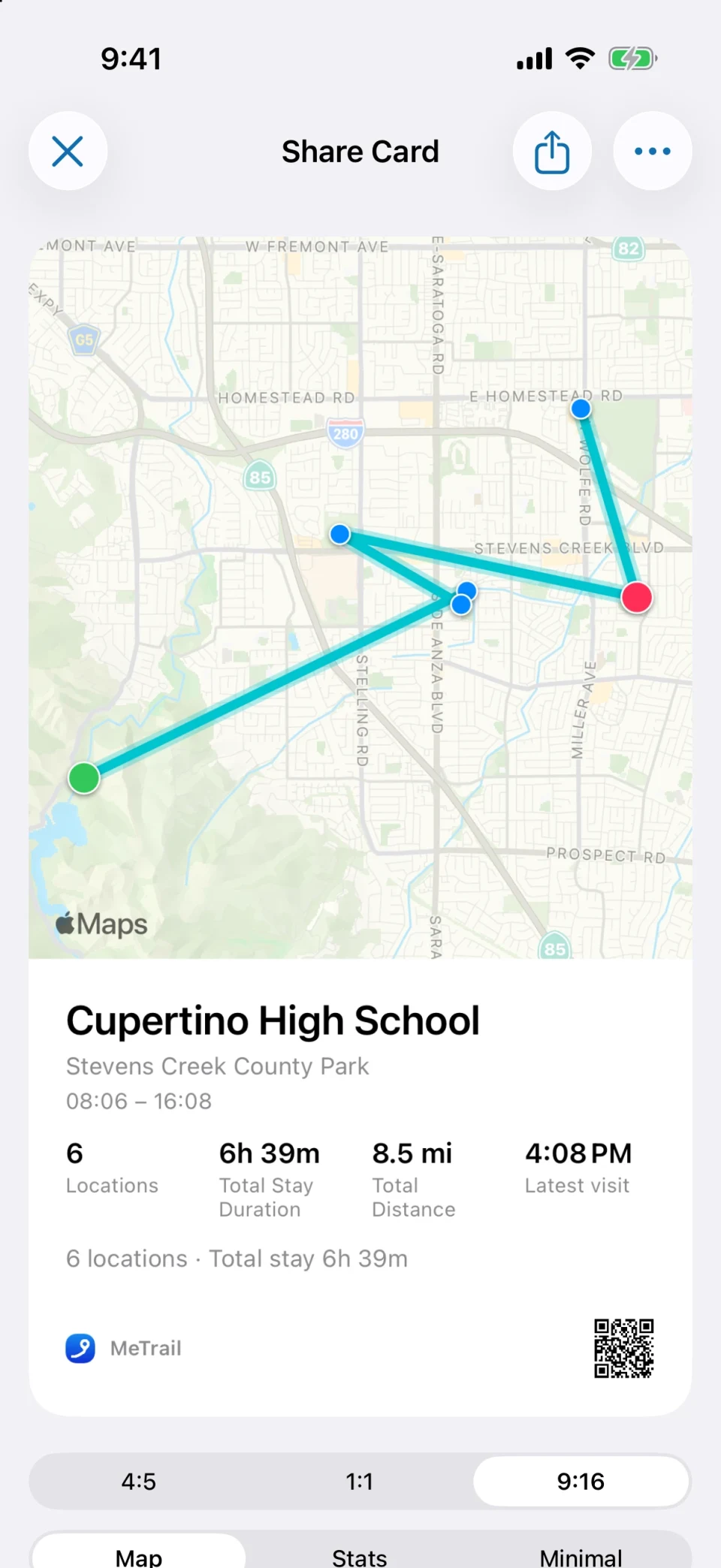
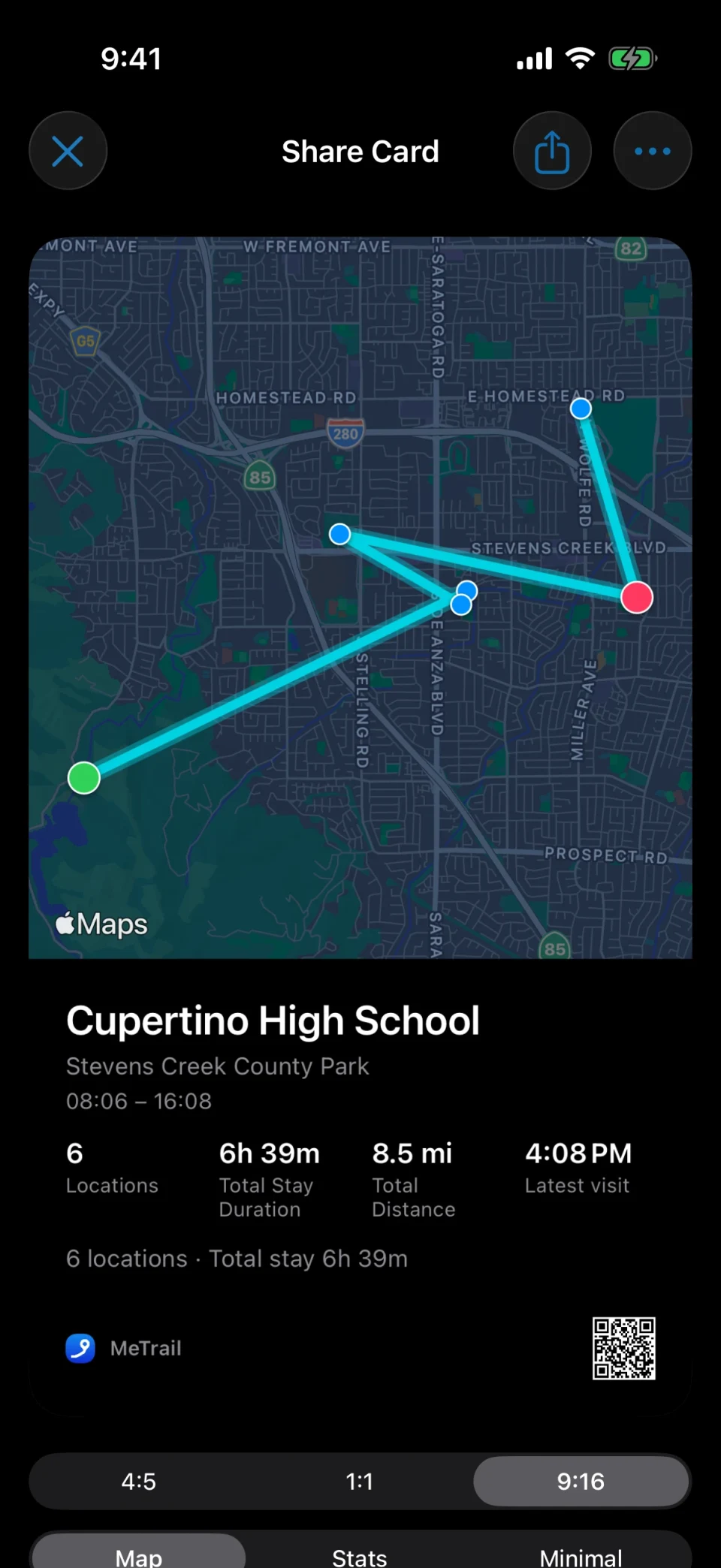
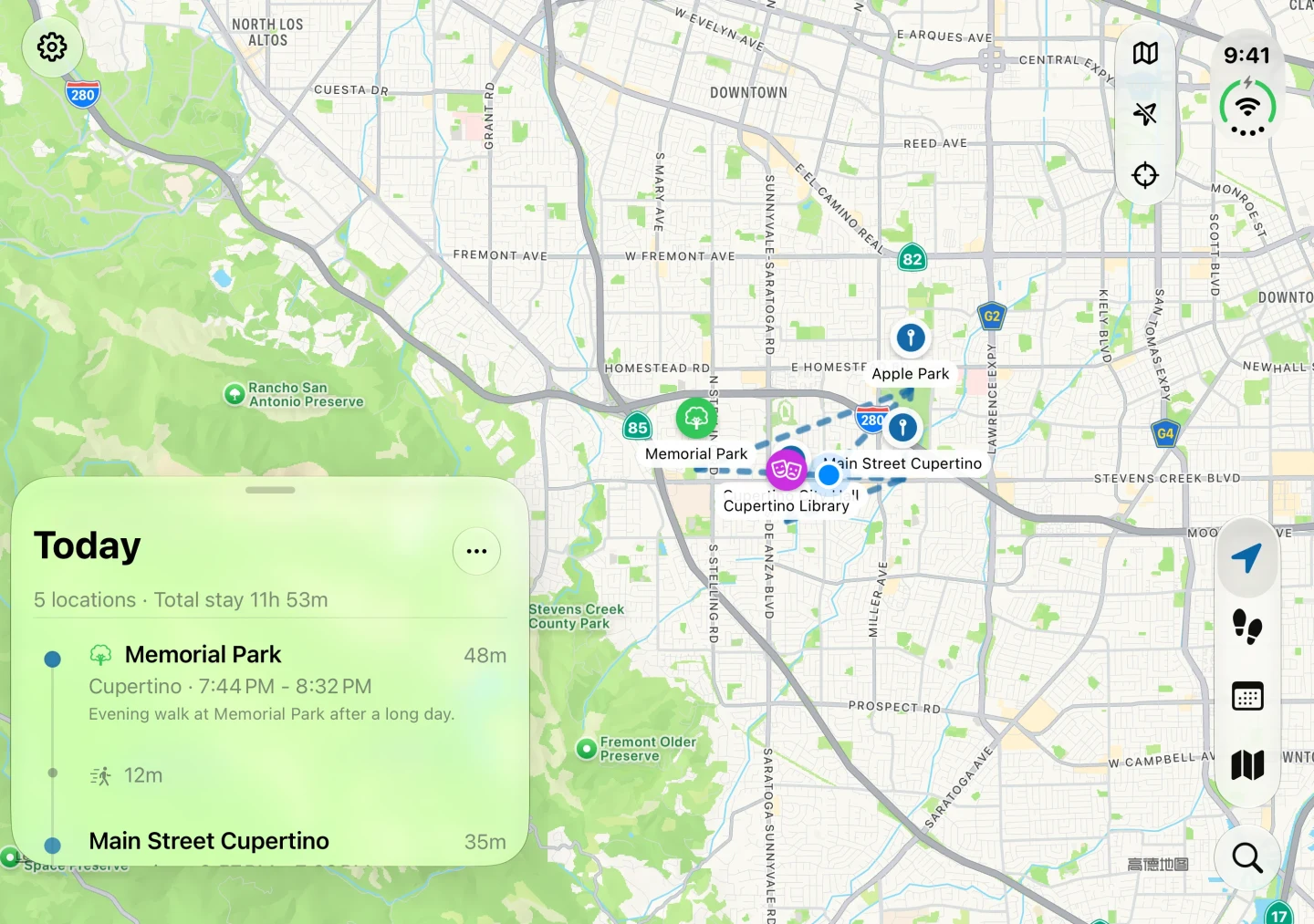
Memory fades; the record does not. Open any date and MeTrail lays out the order of places, how long each stay lasted, and the path between them — no more rebuilding a day out of photos, receipts, and half-remembered messages.
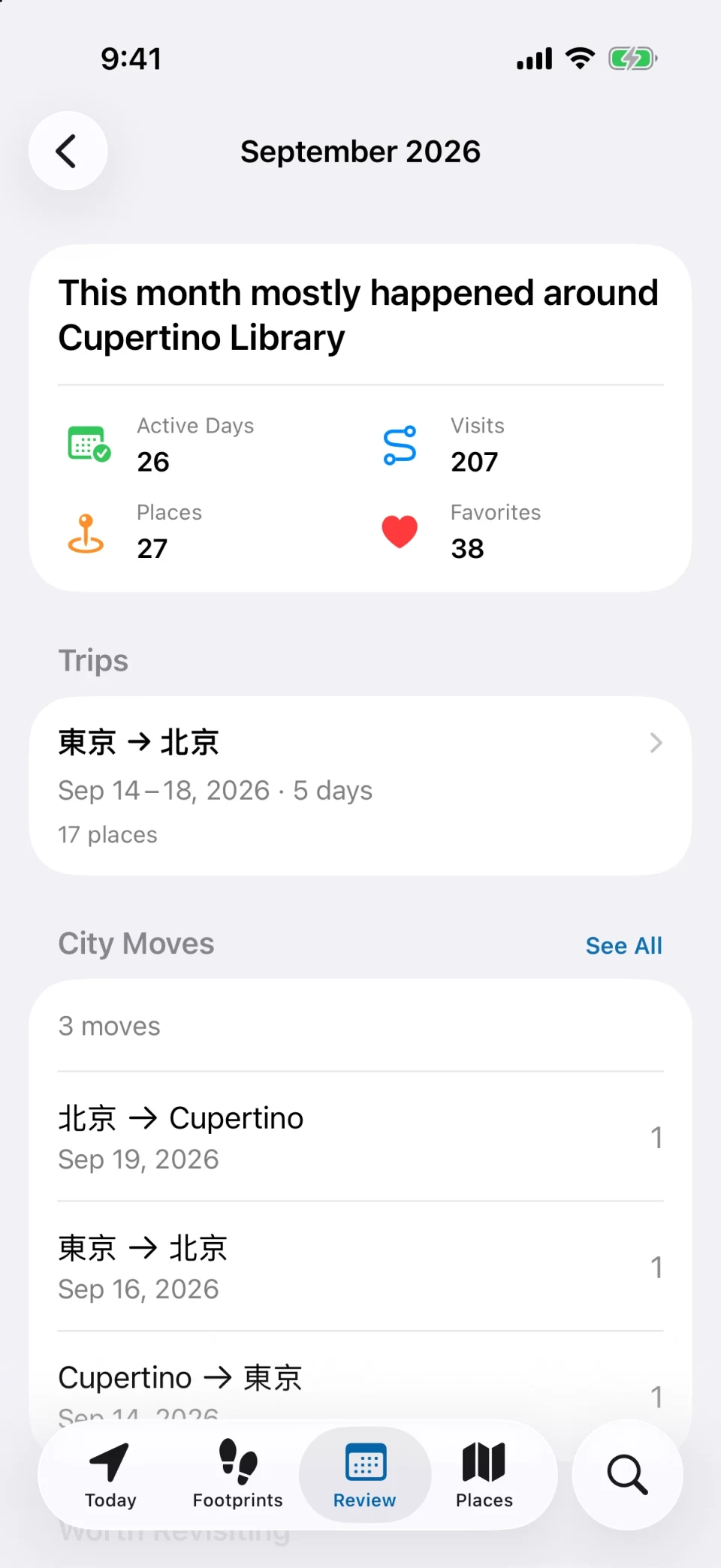
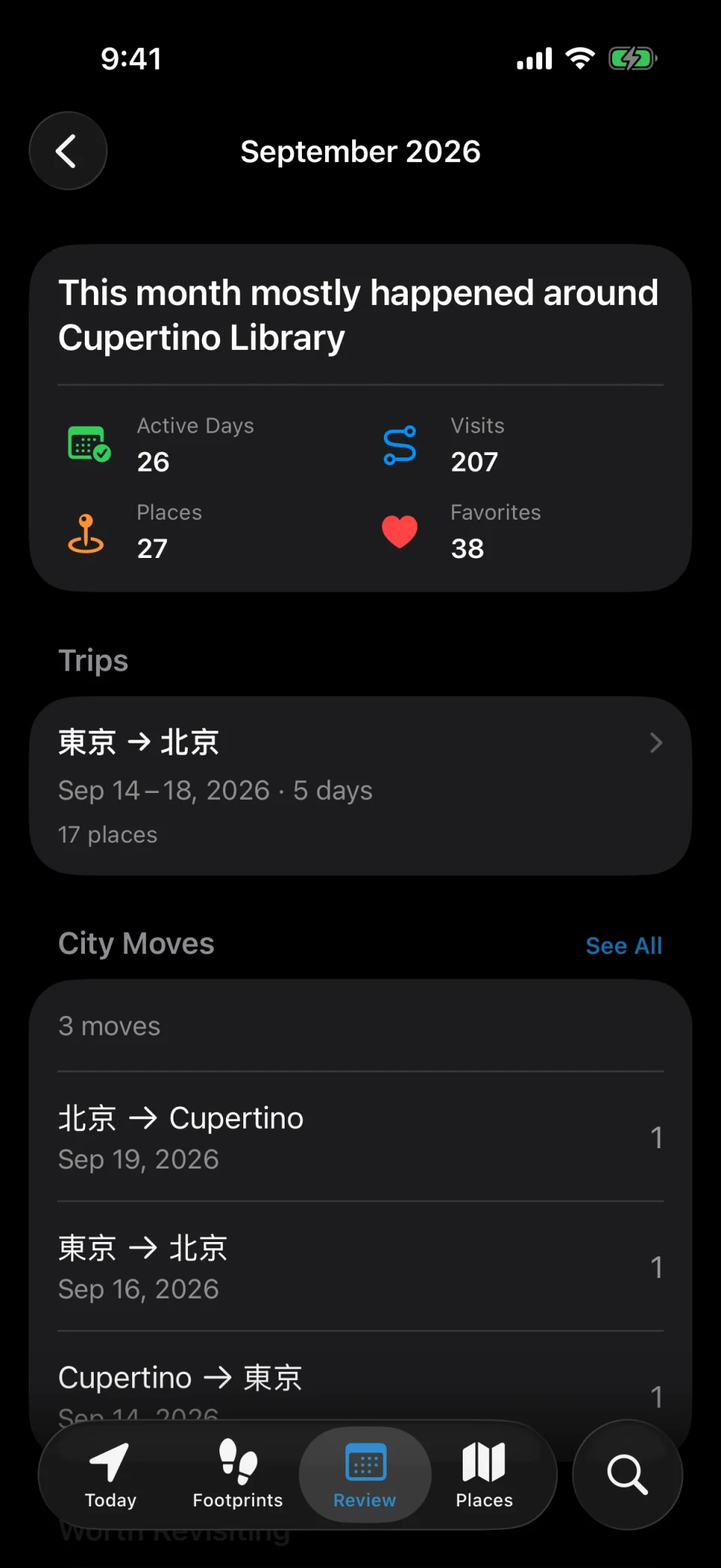
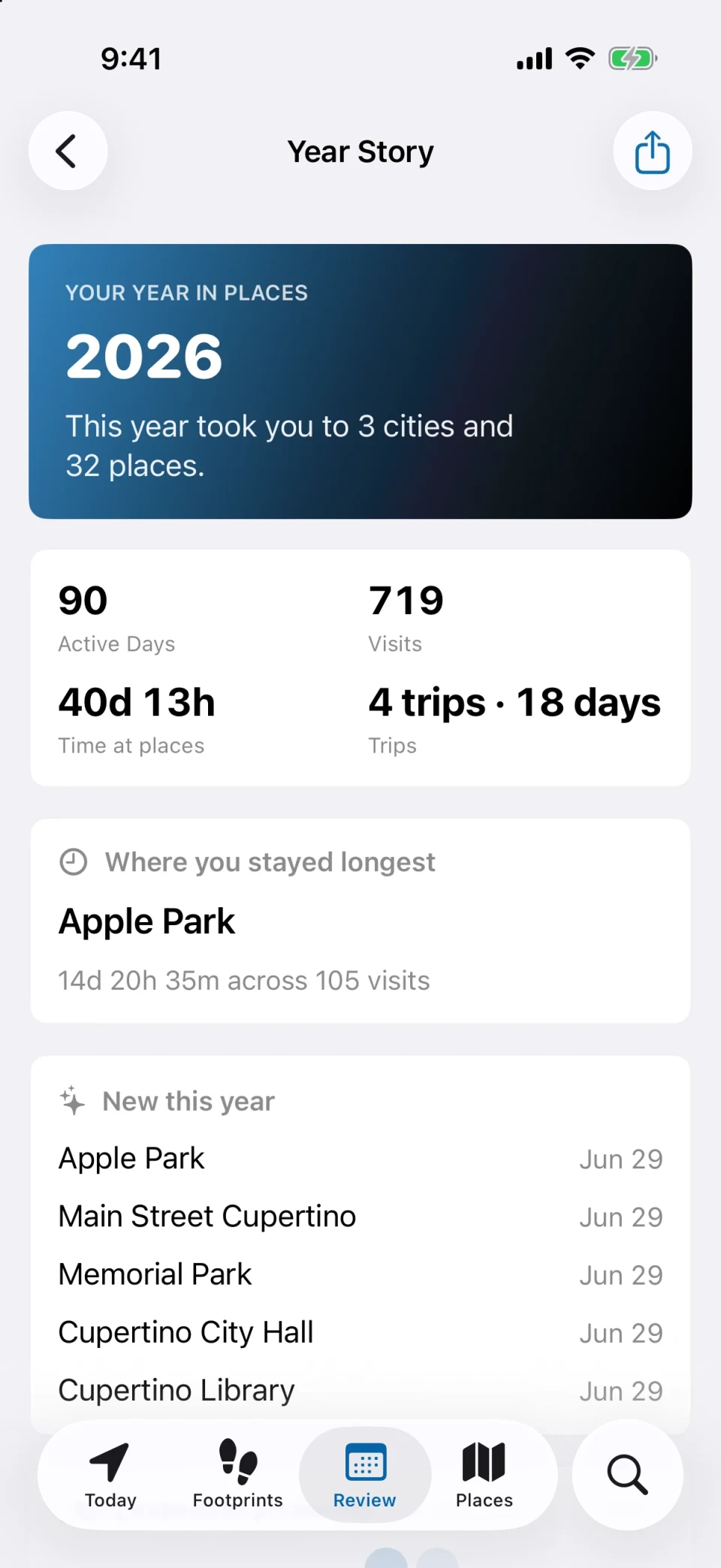
Monthly, quarterly, and yearly reviews now include a map of the places you went
See at a glance which days you went out, and look back at On This Day
Use system search and shortcuts to find visits and places quickly
Place history
How many times have you actually been there?
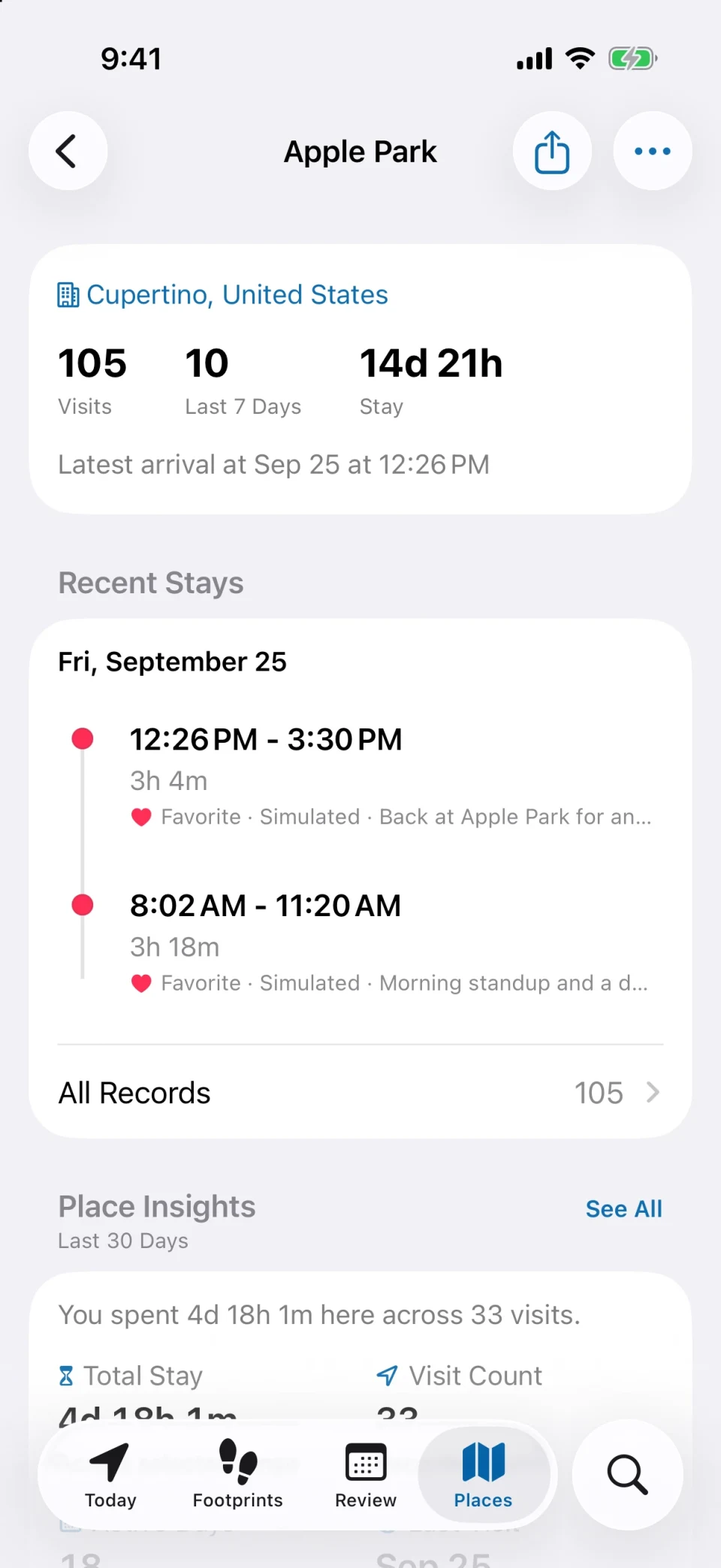
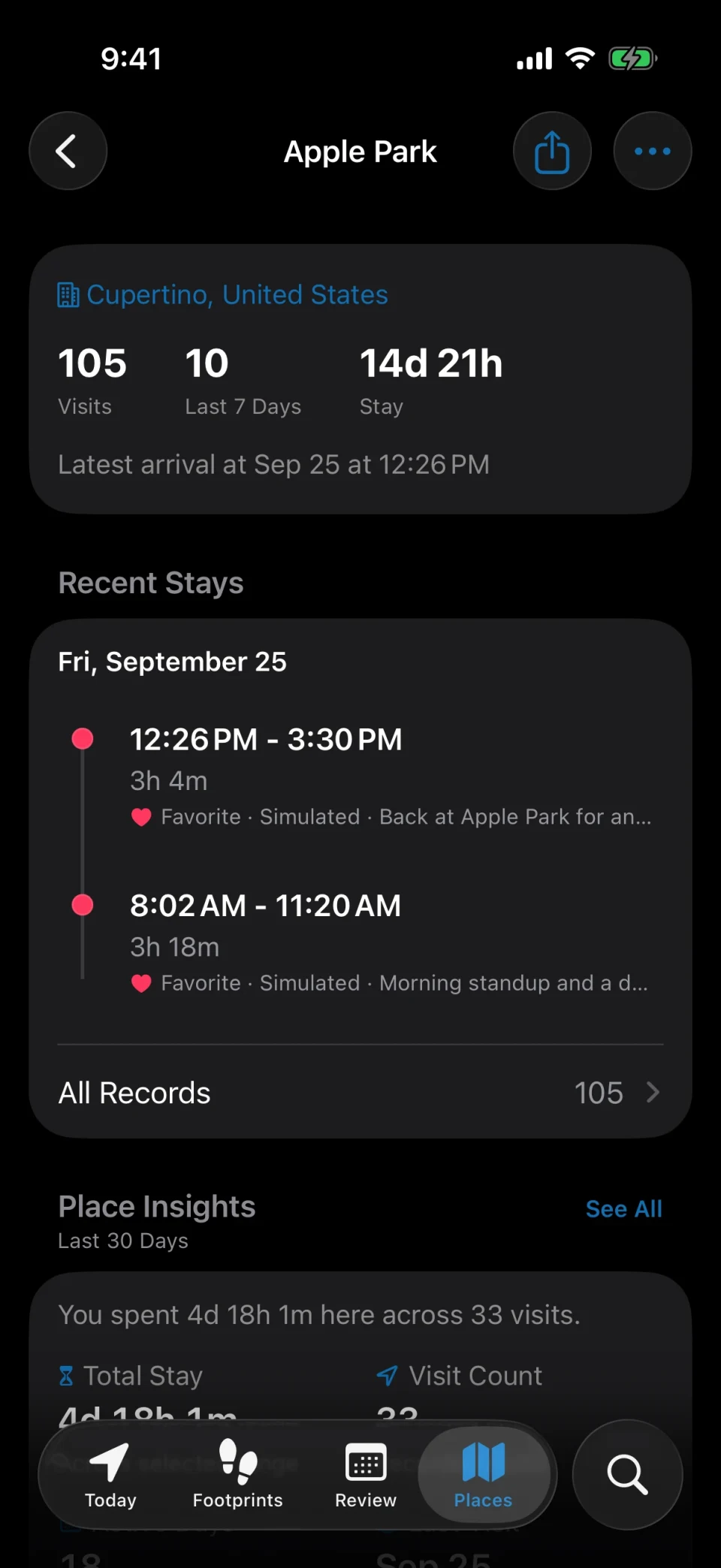
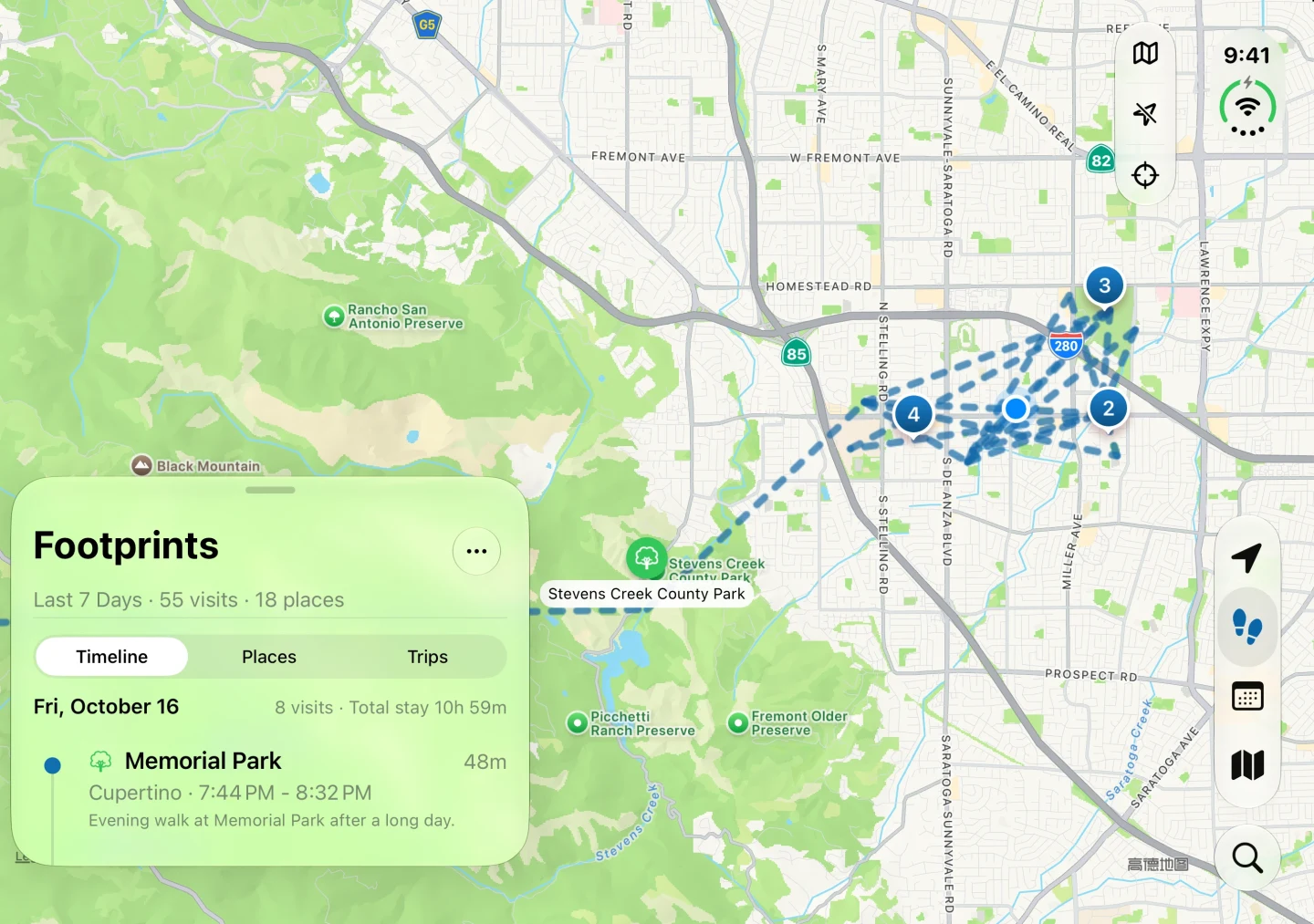
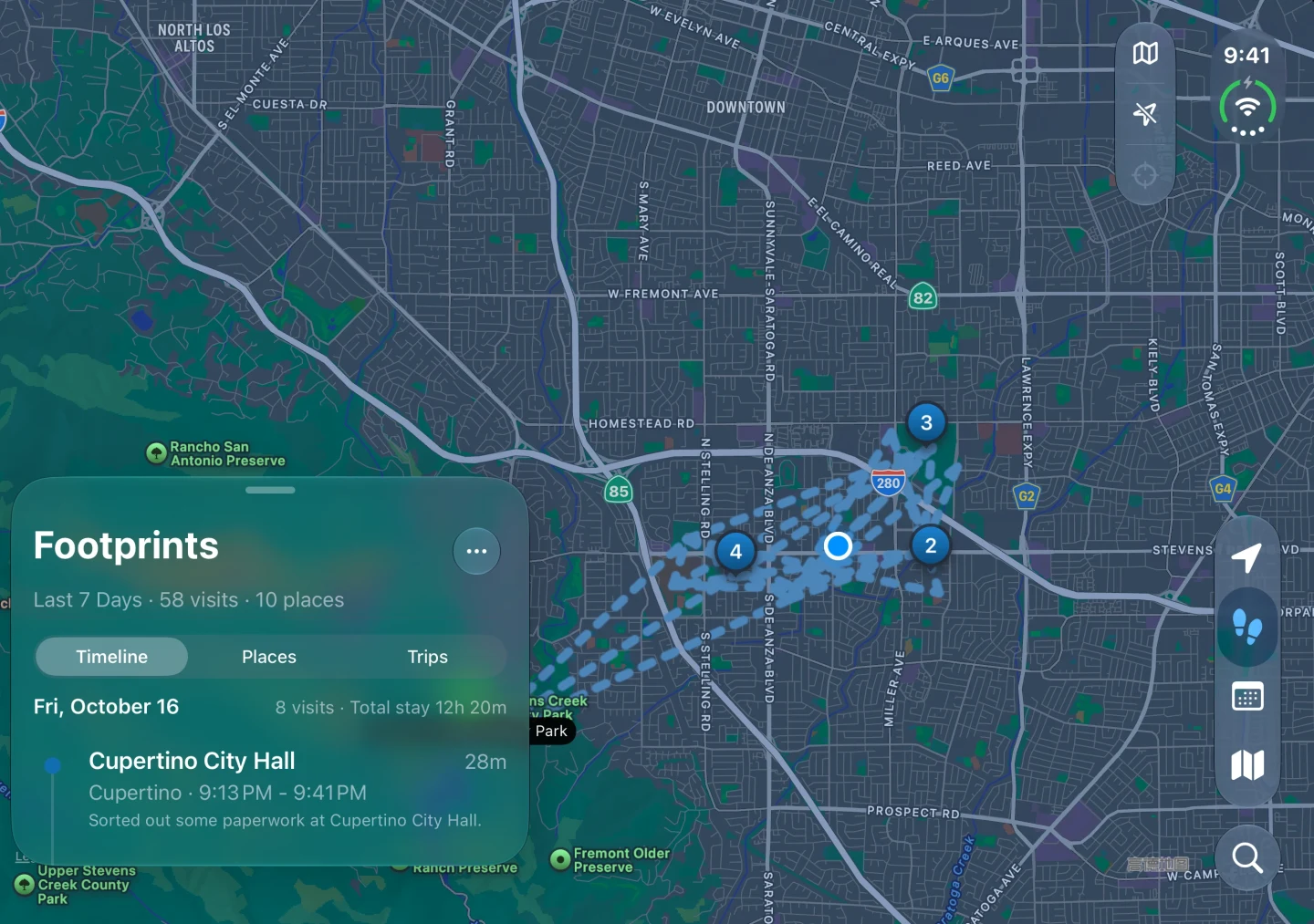
Every place keeps its own file: first visit, most recent visit, total visits, total time — plus the photos and notes you left behind. The places you keep returning to surface on their own.
Find library photos from a single stay or from the whole place
Categories, favorites, tags, and colors group the regulars
Footprints can look back on each city you have lived in
Trip recap
Come home and rebuild the whole trip
Two or more days away from your home city become a trip on their own: how many places you passed through, which days you were moving, and the stop you lingered at longest — the whole trip laid out in order.
Each trip gets a photo cover, a map, a day-by-day timeline, and a Trip Story you can share as one long image
City Moves counts how often you travel between cities and your most common routes
Drop a pin to mark a spot you passed without stopping, with the time and photos
Features
Six things that make a record worth keeping
Recording is only the start. What decides whether it was worth it is whether you can find that day again months later.
Automatic recording
Three modes, battery on your terms
MeTrail does not keep GPS running like a navigation app. The default Precise mode locates you only while you are moving and pauses when the battery runs low; Balanced and Power Saving lean on the system’s own visit records and use even less, at the cost of later arrivals. All three record stays, not continuous routes.
Map replay
See how the day actually went
Monthly, quarterly, and yearly reviews now include a map of the places you went. Maps can show where your photos were taken, and you can add them to visits.
Timeline and calendar
Jump back to any day
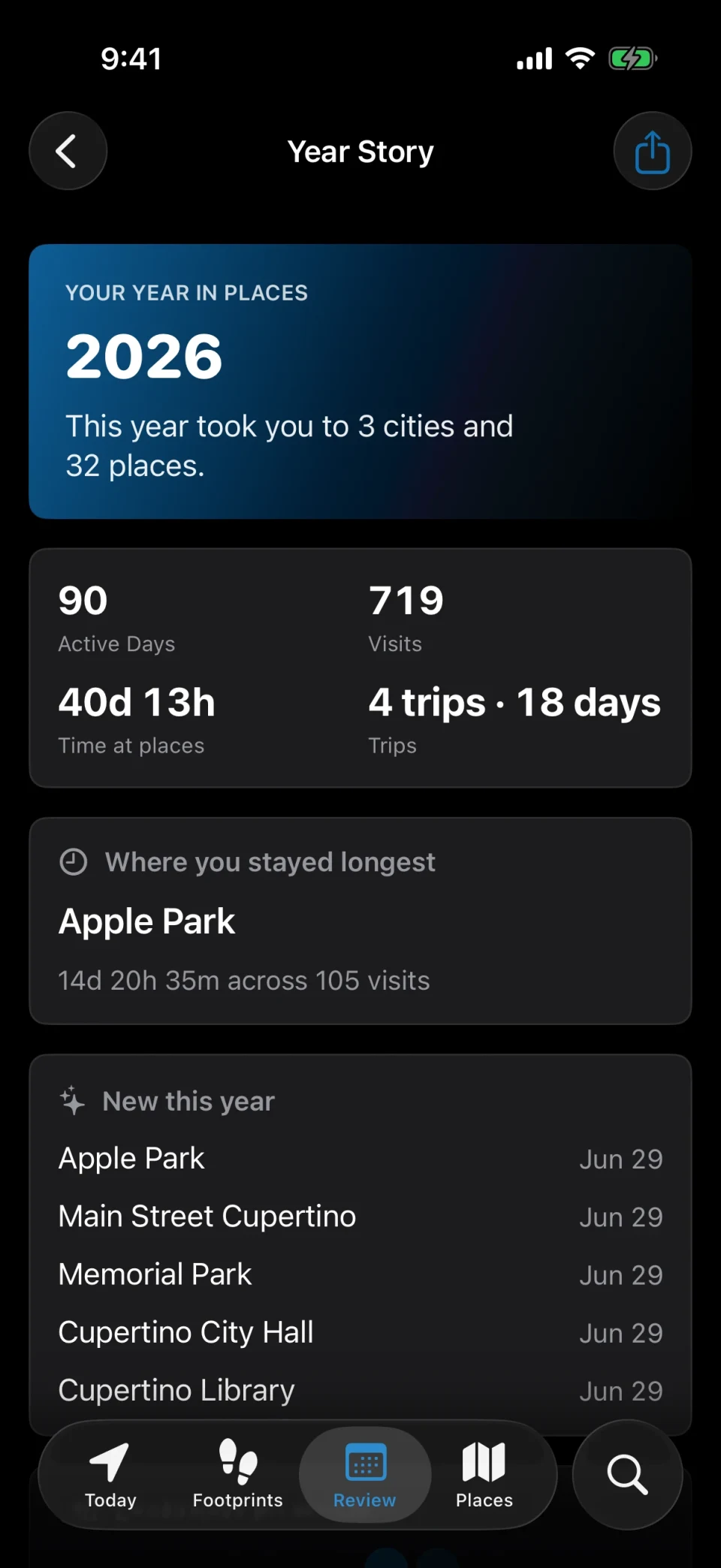
The timeline shows the details; weekly, monthly, quarterly, and yearly reviews show what changed, and the year story becomes one long image. Set reminders to revisit your history each week or month.
Notes and photos
Keep the thought that belonged there
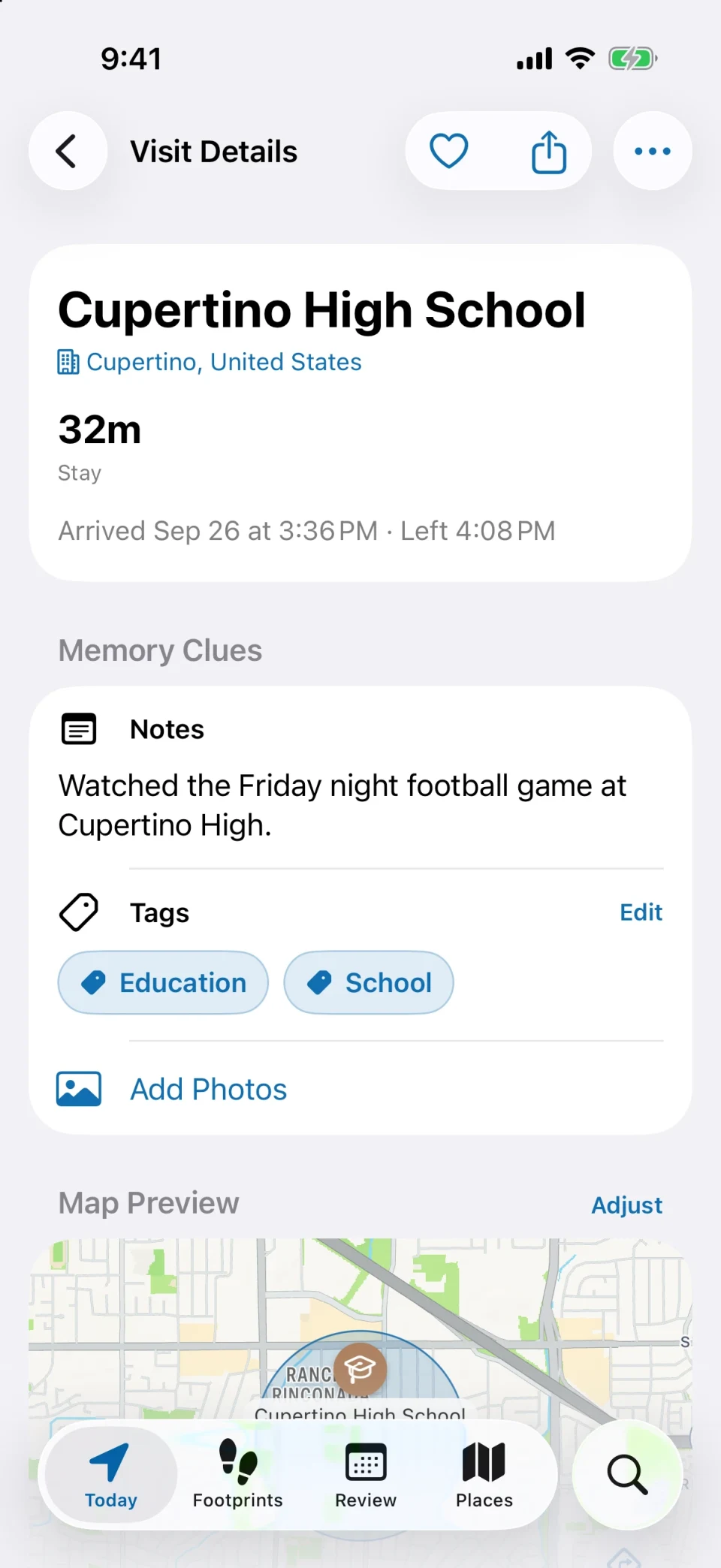
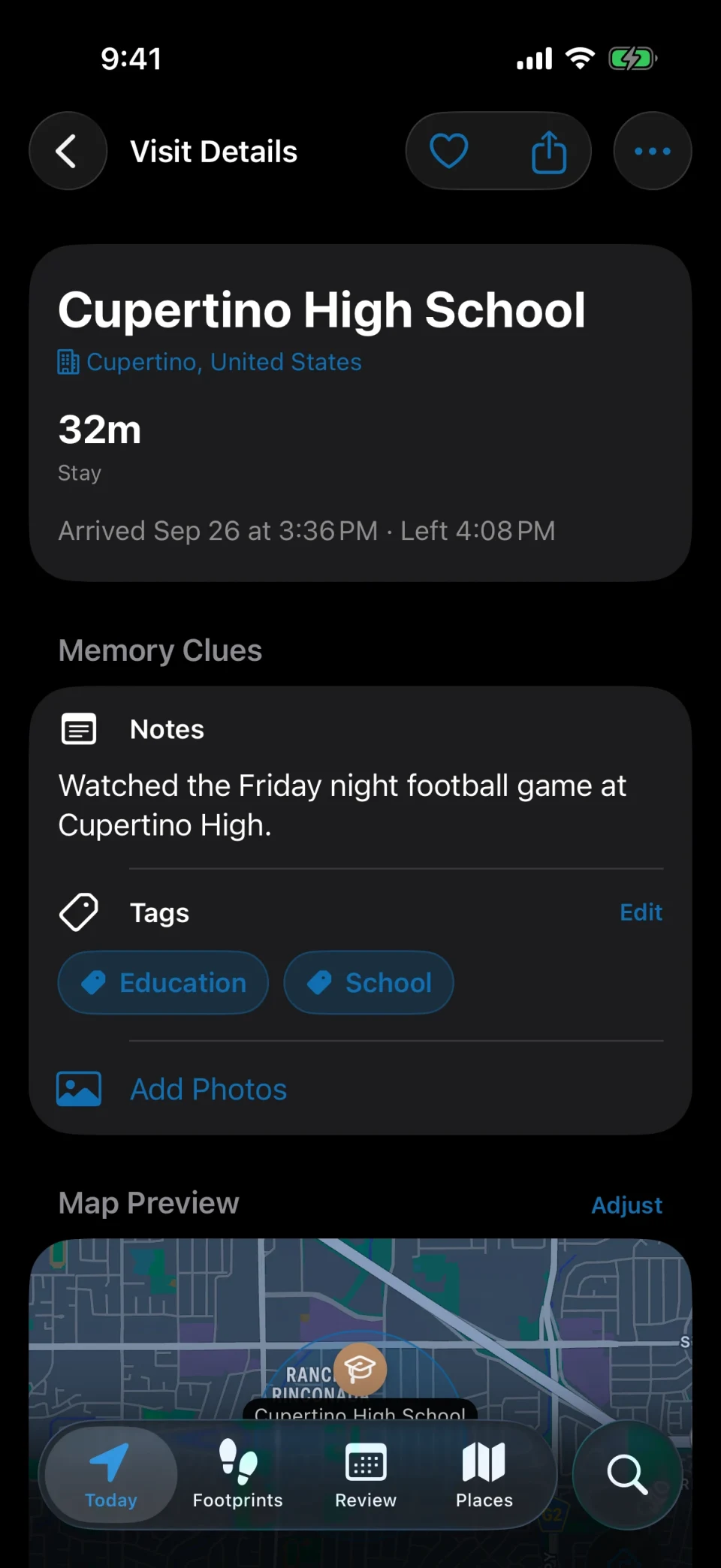
Write a line into a visit, attach a few photos, add a tag, and keep the arrival weather and calendar events alongside it. Come back later and the place file holds more than coordinates and timestamps. Show steps from Apple Health on trips between visits, each day, and in reviews.
Arrival and departure automation
Let a visit trigger the next step
Give arrivals and departures their own style and sound, and get a milestone alert when a regular place hits its 10th, 50th, or 100th visit. Let family know when you arrive or leave, or set rules by place, time window, and frequency to forward alerts to Bark, Telegram, Discord, 14 more channels, or your own endpoint.
Export, sharing and sync
The record stays yours
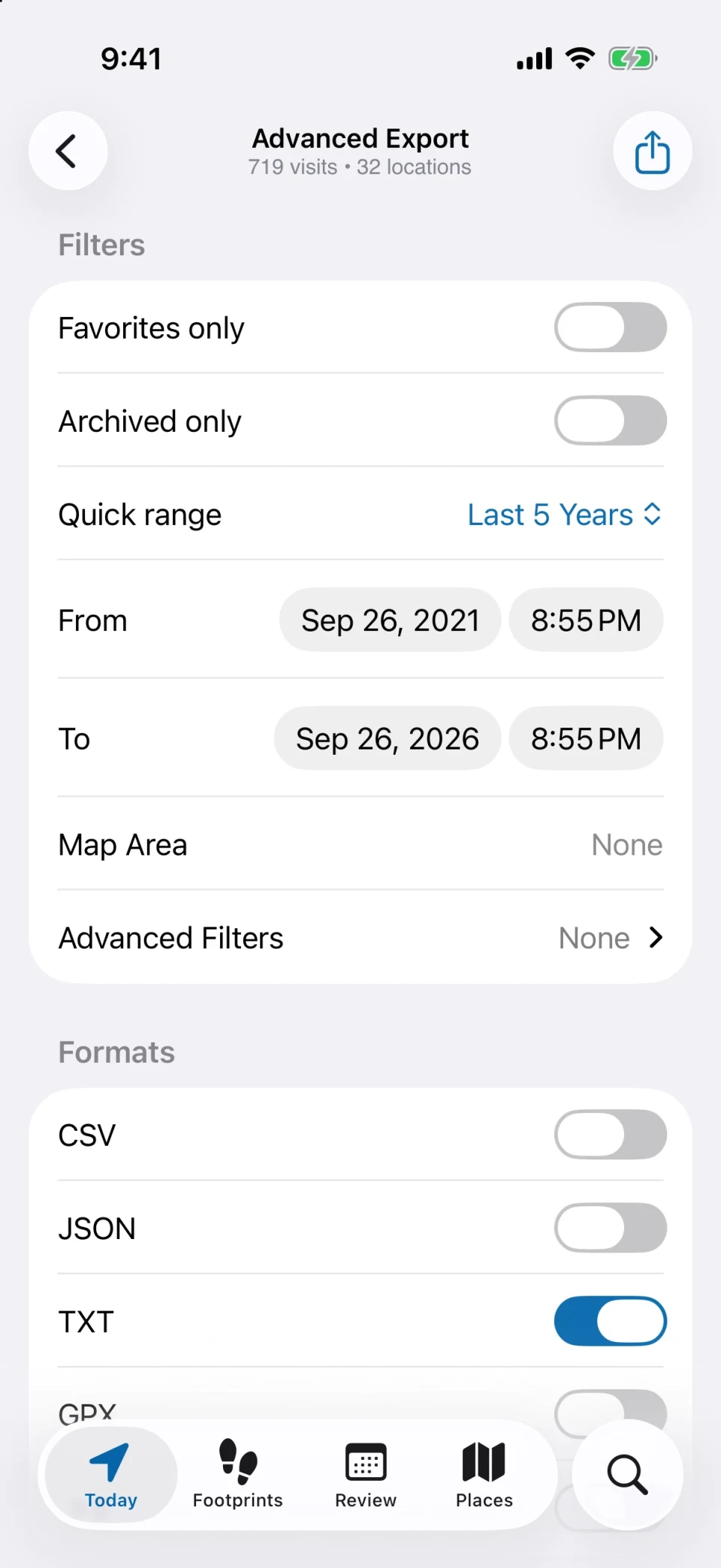
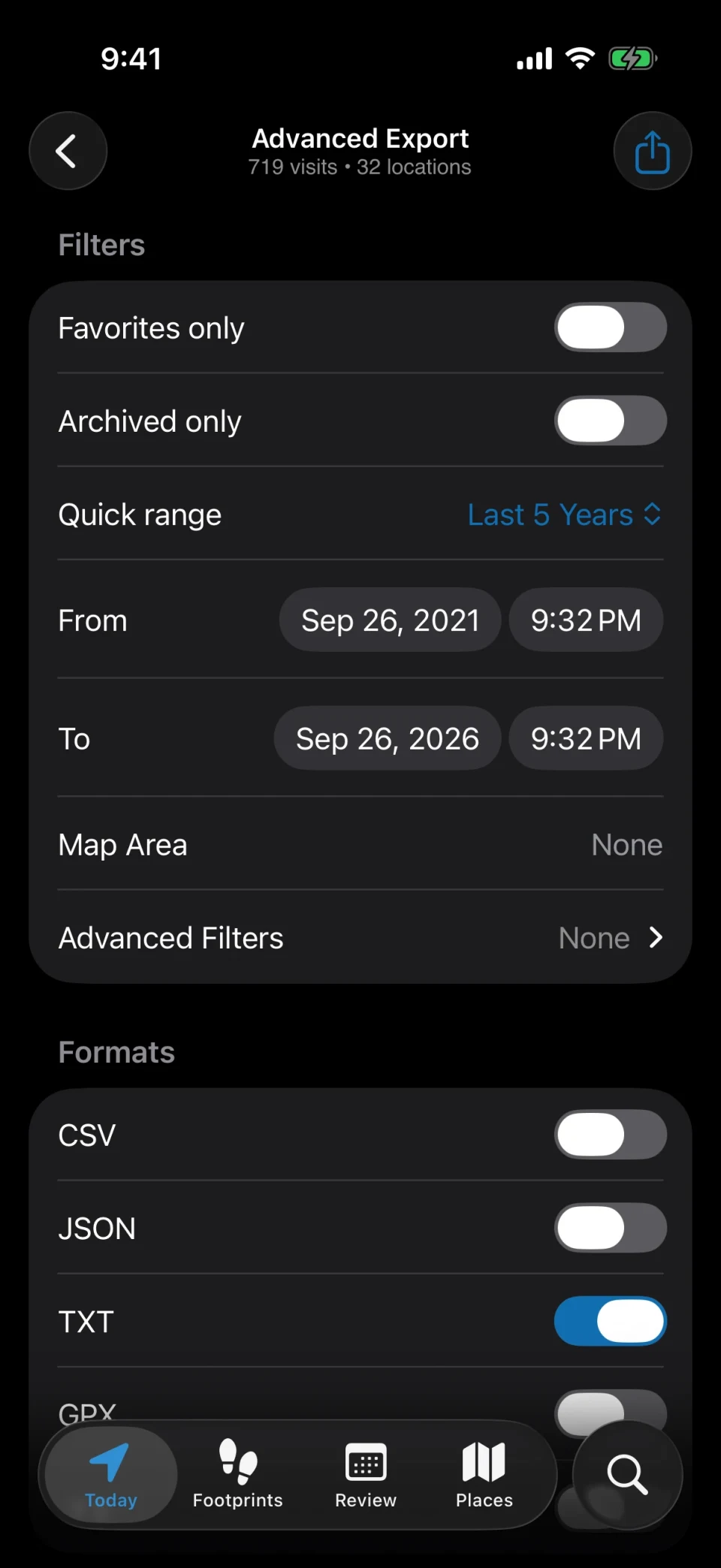
Share recent visits by link, add a password, and pause or end sharing anytime. Filter history and export it as CSV, TXT, JSON, GPX, or KML, with photos and pins if you like; exported data can be imported back. Turn on iCloud sync only when you actually need a second device.
Screens
One history, eight ways in
The same record answers a different question depending on where you open it: how today went, how often you go there, what changed since last month.
Pick a screen to switch
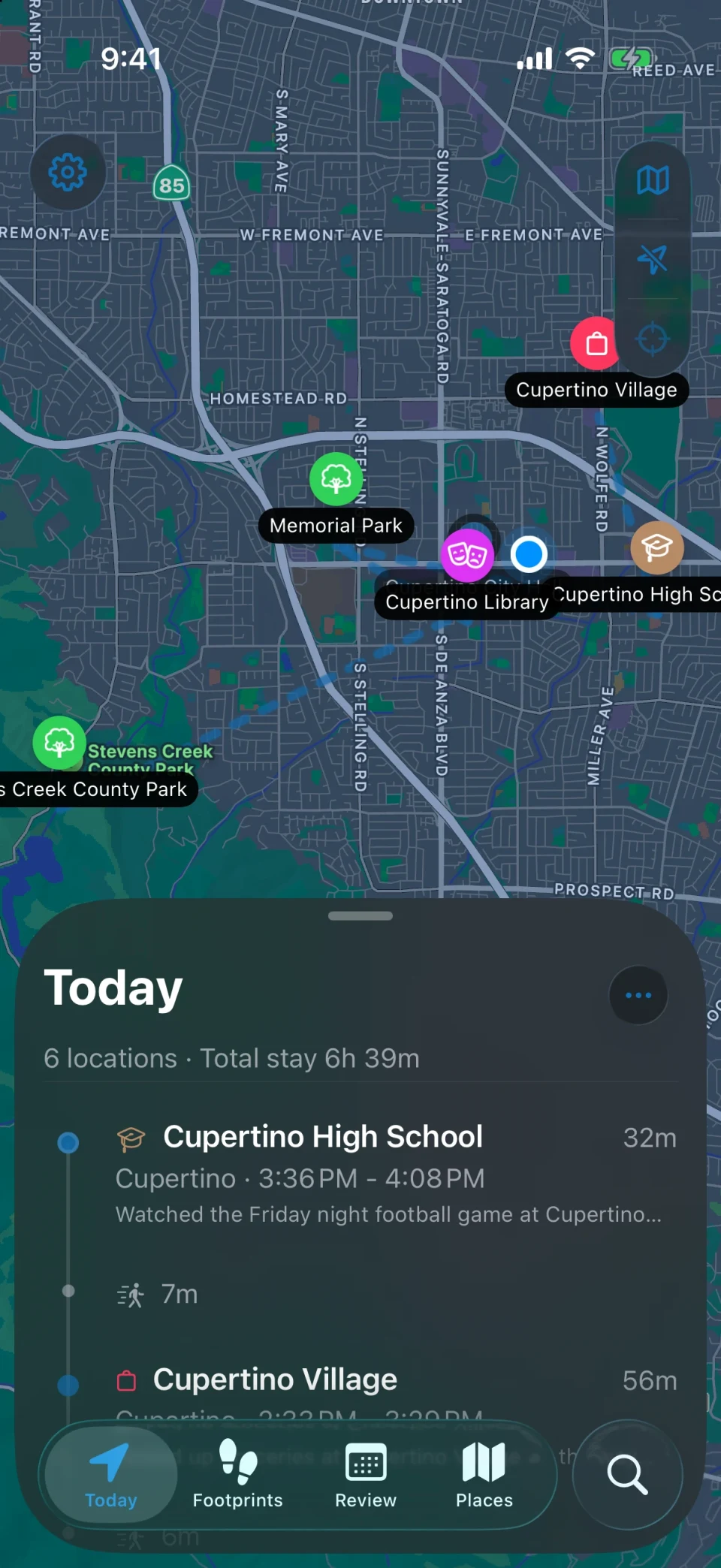
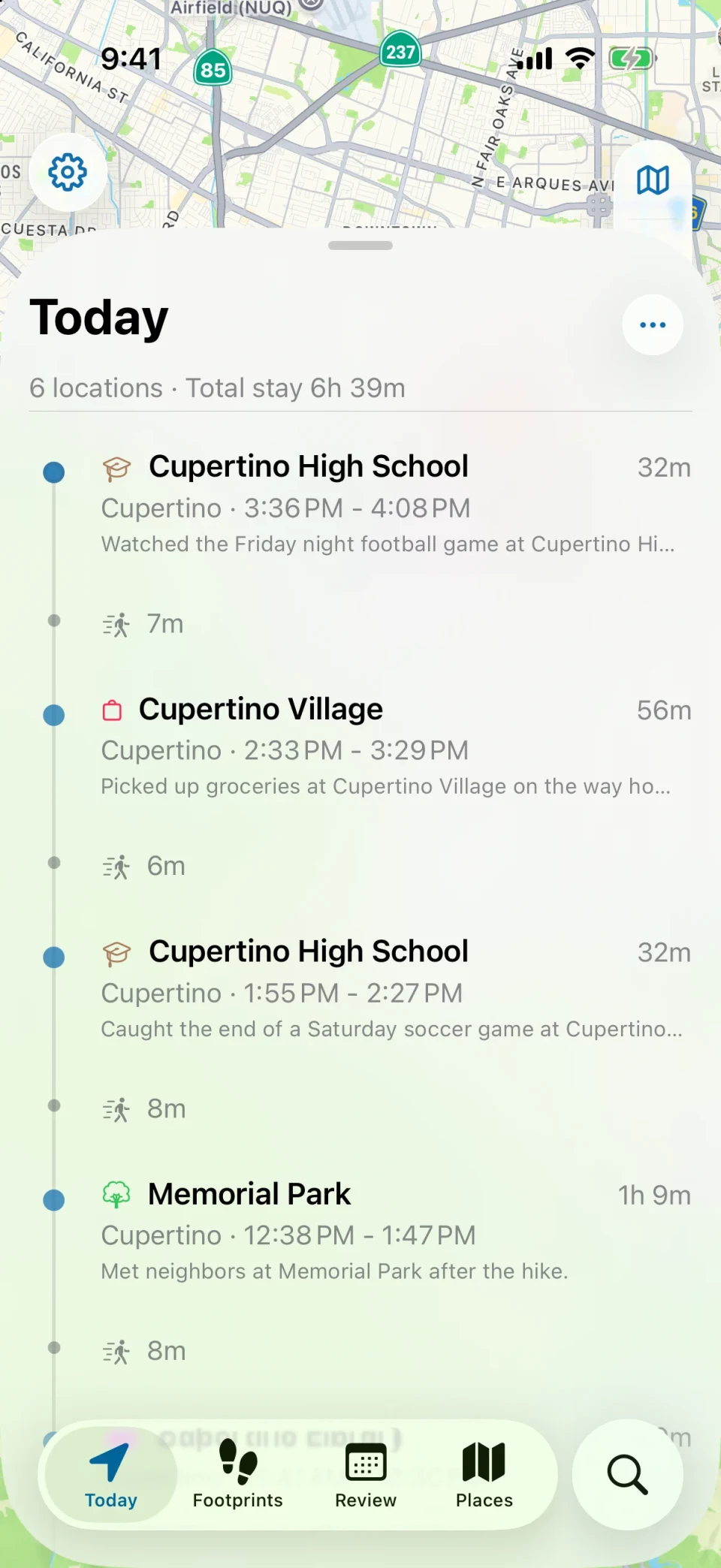
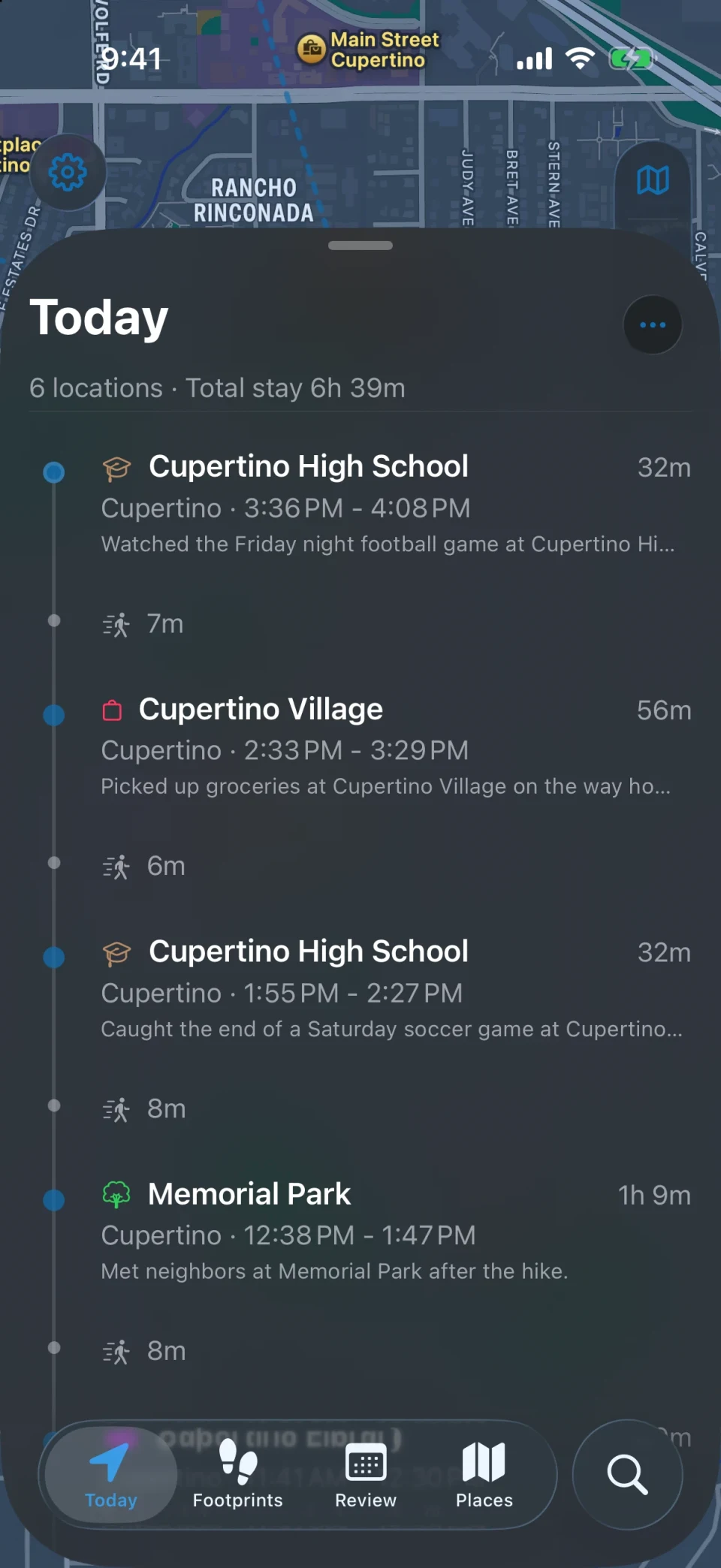
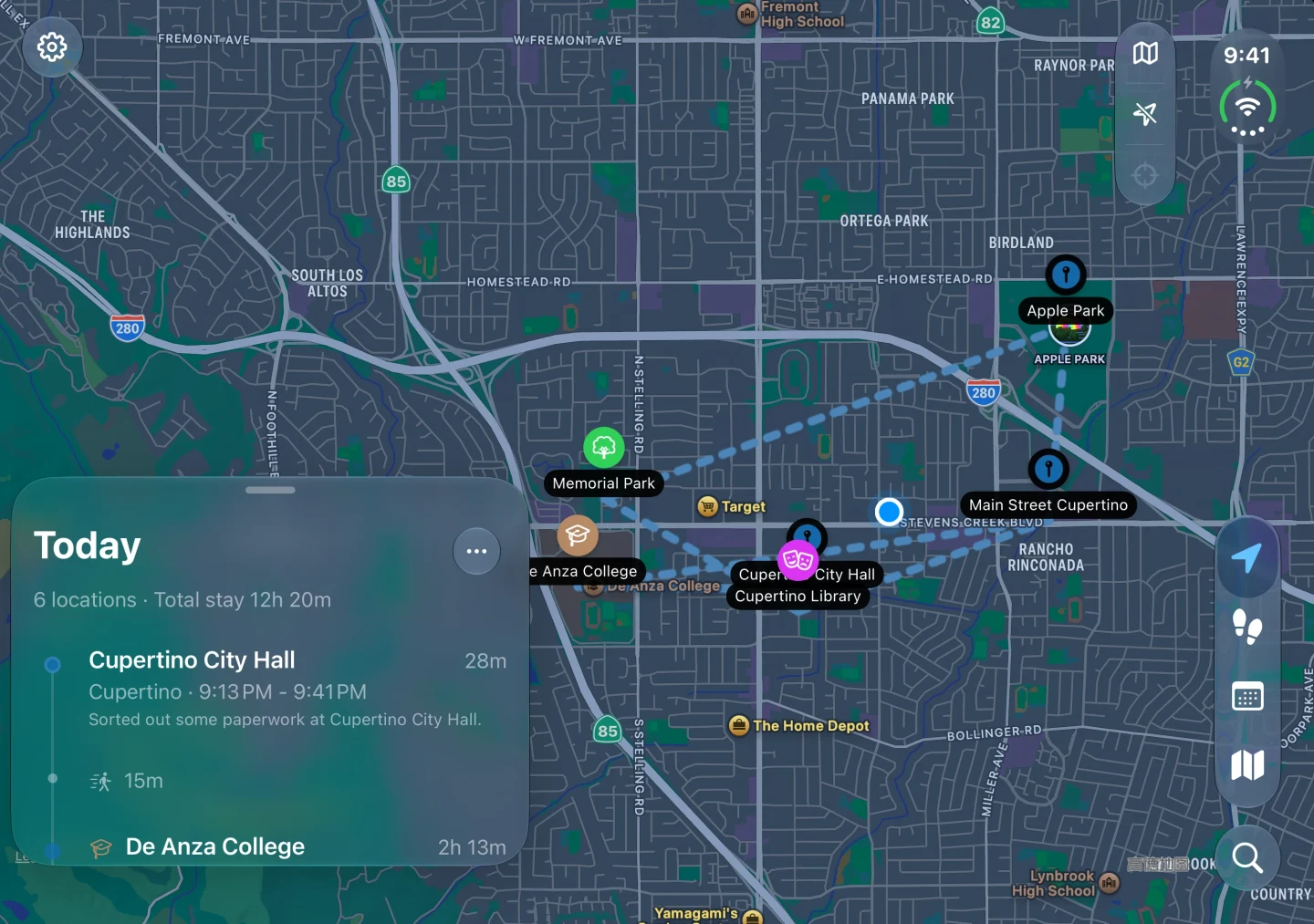
The day’s path on a map, with every place below it in the order you went. One glance covers the day.
Unfolded on iPhone Duo
Open the inner display and the map gets the full width, with the panel docked beside it. More of the route stays in view while you read the day.
Today
Footprints
Web Viewer
Open the export on a bigger screen
Open a JSON viewer package exported from MeTrail in your computer’s browser. Replay visits by day and search places and cities. Files are parsed locally in the browser and are not uploaded.
Imported files are not uploaded
No account, nothing to install
27 interface languages
01
Export a viewer package
On the export screen, filter by time and place, choose JSON only, and export a package.
02
Open viewer.metrail.app
Imported files are not uploaded
03
Read the year back
Search and filter through days, places, and cities, with the map following every selection.
OpenFreeMap street maps are on by default and can be turned off in the menu. Online maps request third-party map resources without sending the imported history.
MeTrail Web Viewer in a browser window: a search bar, a list of visits, and the day’s route drawn on a map
viewer.metrail.app
Search places, cities, days
2026San Francisco
OverviewTimelinePlacesCities
Ferry Building09:12 – 10:05 · 53 min
Golden Gate Park10:40 – 12:15 · 1 hr 35 min
Mission Dolores13:02 – 14:20 · 1 hr 18 min
+−
Privacy
A location history belongs in your own hands
Visits, places, photos, and notes are stored on your device by default, with no account required. You choose whether to use iCloud sync, export, sharing, alert forwarding, family alerts, or Smart Summaries; related content goes to the service you choose. Adding visits to Calendar requires separate setup and permission, and events are stored and synced by the selected calendar account. Maps, place lookups, and weather may need a connection. Coordinates, place names, and arrival and departure times within your chosen scope are uploaded to the official or self-hosted sharing service you select. Photos and notes are not uploaded.
Local-first
Visits, places, photos, and notes live on the device by default.
iCloud is your call
Turn it on for a second device, and sync runs through your own iCloud private database.
No account, no tracking
No sign-up, no contact access, and no third-party tracking SDKs.
App Lock
Lock the whole app behind Face ID, Touch ID, or a passcode.
Getting startedWhy does it need “Always” location access, and will it drain the battery?
Background recording needs Always location access. MeTrail does not keep GPS running like a navigation app: Precise, the default, locates you only while you are moving, uses slightly more battery than Power Saving, and pauses when the battery runs low. Balanced and Power Saving rely more on the system’s own visit records and react later.
PrivacyDoes this history get uploaded to your servers?
Records stay on your device by default. Only when you enable iCloud sync, location sharing, or another external service is the relevant content sent to your chosen service. Coordinates, place names, and arrival and departure times within your chosen scope are uploaded to the official or self-hosted sharing service you select. Photos and notes are not uploaded.
DataHow do I move my history to a new phone?
Two ways: turn on Sync Records and Sync Photos, then sign into the same Apple Account on the new device; or choose Full Backup on the export screen, export a file, and bring it back on the new device with Import Data.
Start today, and leave yourself something to look back on
Install it, grant the permission once, and let it run. On the day you need to look something up, you will be glad it was on.