

Travel journal
A travel journal that writes itself
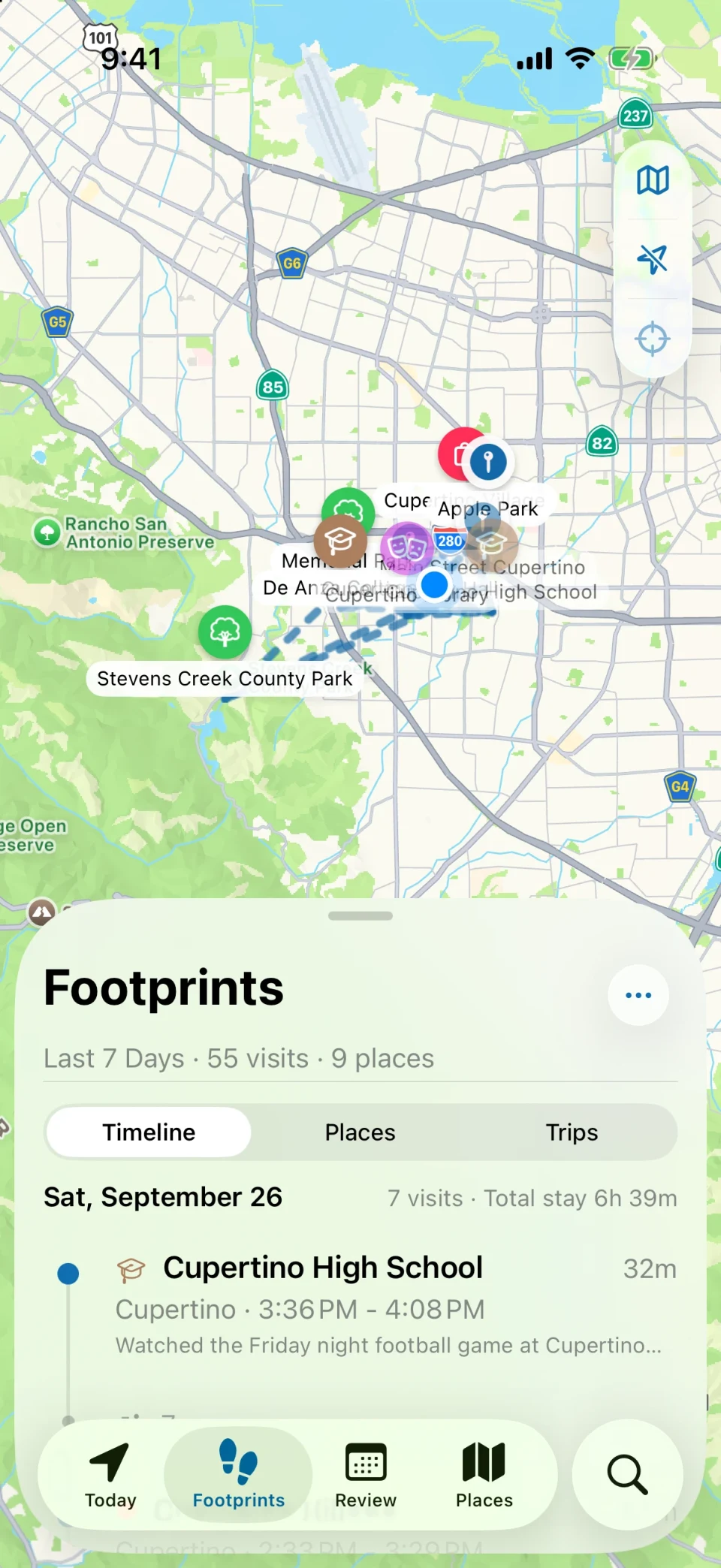
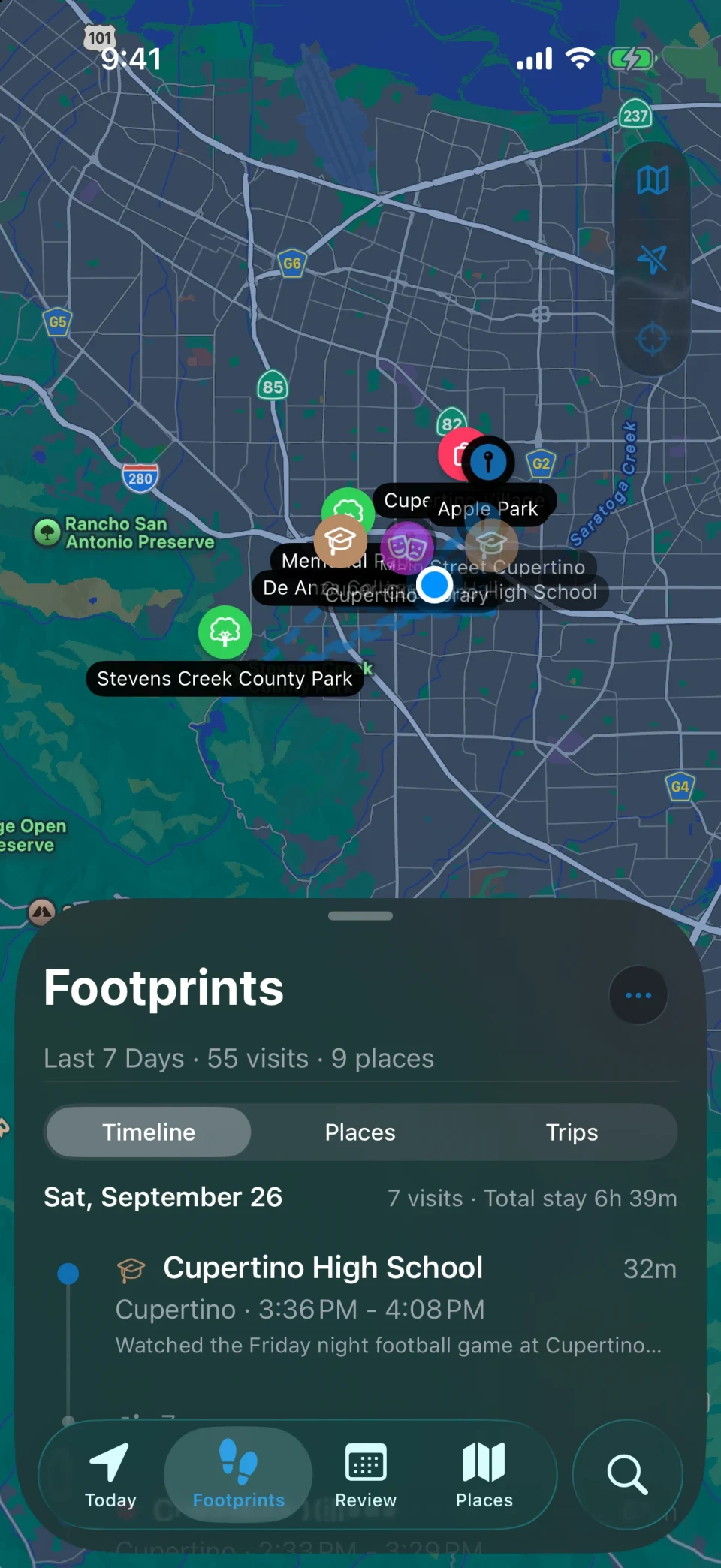
Travel without stopping to log anything. MeTrail records each place you stop at in the background, recognizes the trip when you leave your home city, and lays it out day by day when you get back.
- Trips detected automatically
- Photos matched to each stay
- Shareable Trip Story
Trips
Every trip, rebuilt in order
Two or more days away from your home city become a trip on their own. Open it to see how many cities and places you passed through, how long you stayed at each, and what each day looked like.
- A photo cover, the trip map, and a day-by-day timeline with city and weather
- Total stay duration and the stop you lingered at longest
- A Trip Story you can share as one long image
Memories
Photos and notes where they happened
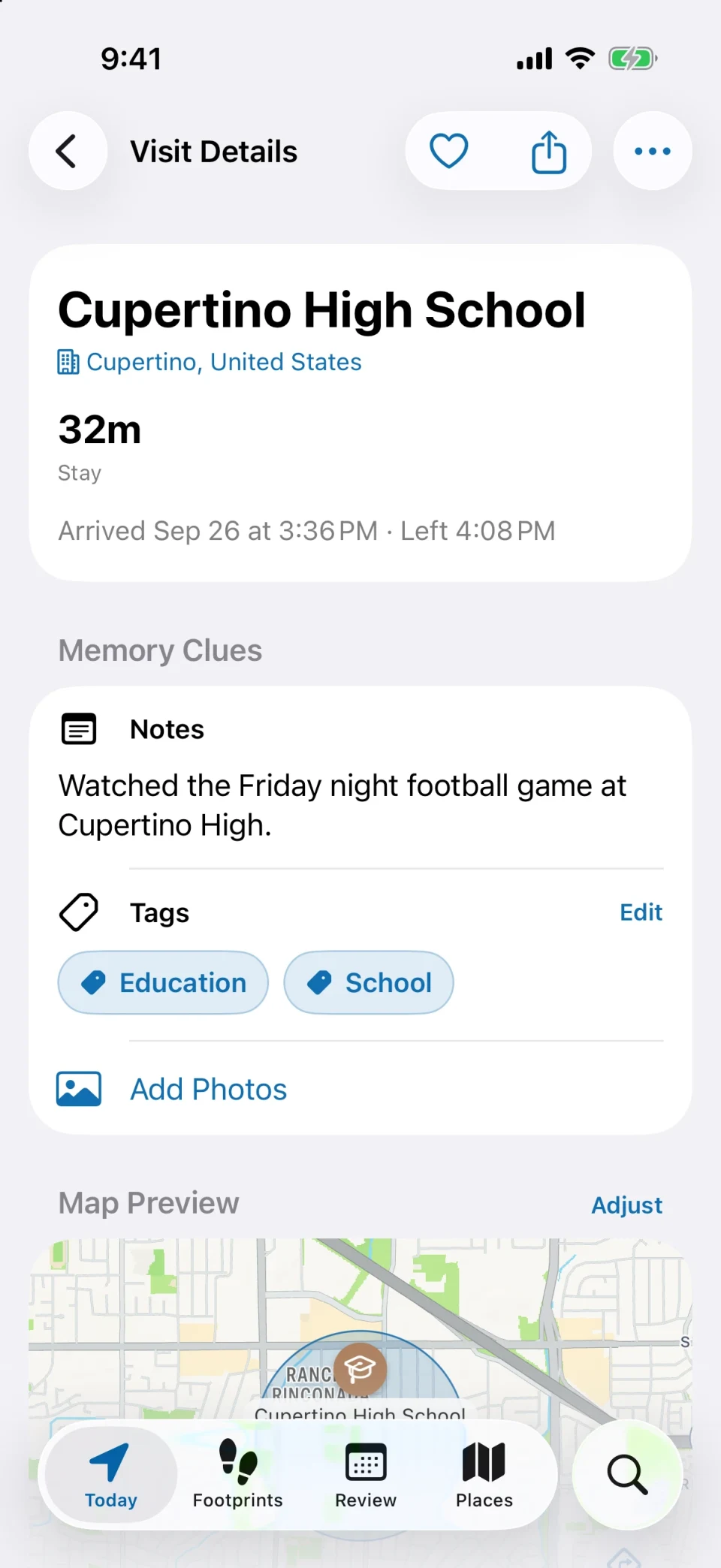
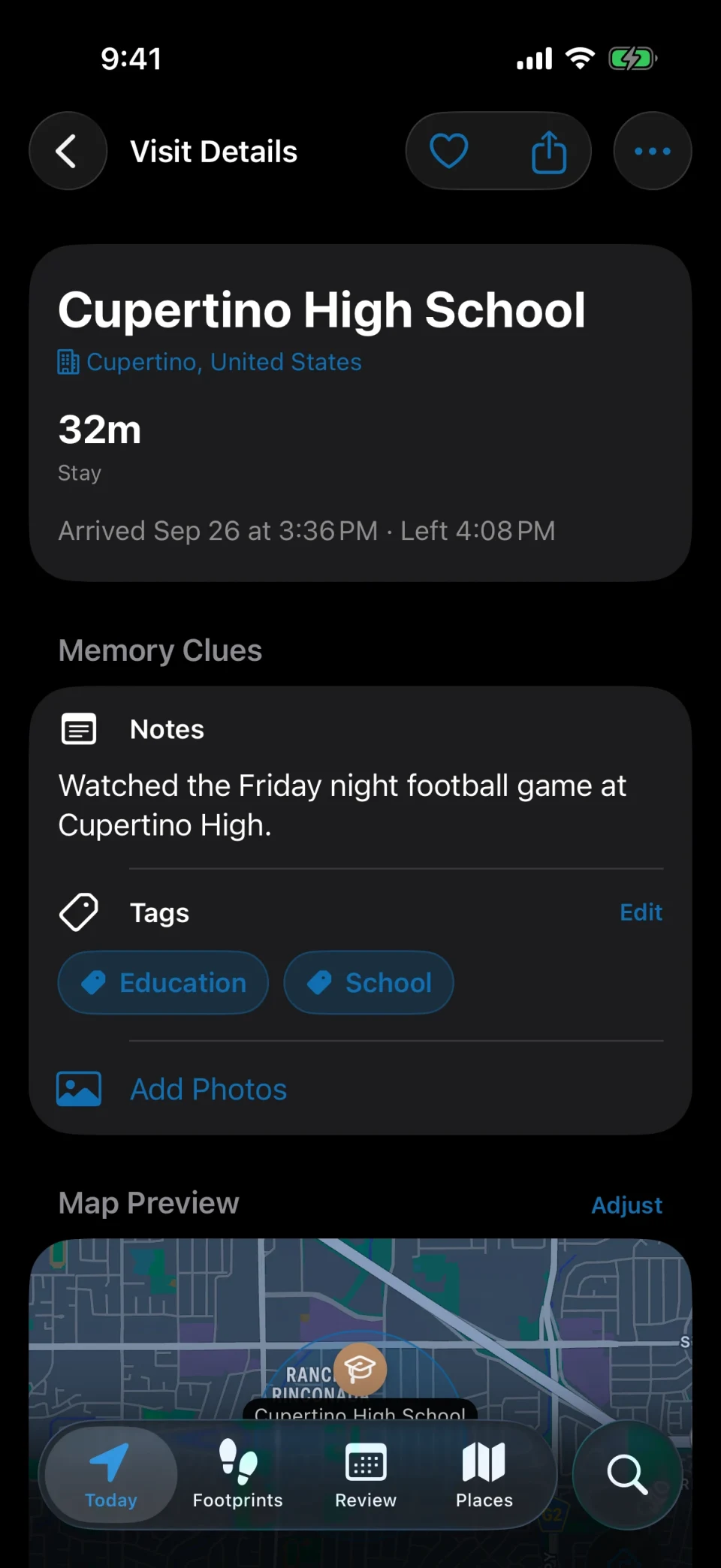
MeTrail finds the photos in your library that were taken during a stay, so the café, the viewpoint, and the museum each keep their own pictures. Add a line of notes while it is still fresh.
- Library photos matched to a single stay or to the whole place
- Arrival weather and calendar events alongside each visit, when you turn them on
- Drop a pin for a spot you passed without stopping, with the time and photos
Over the years
See how far you have been
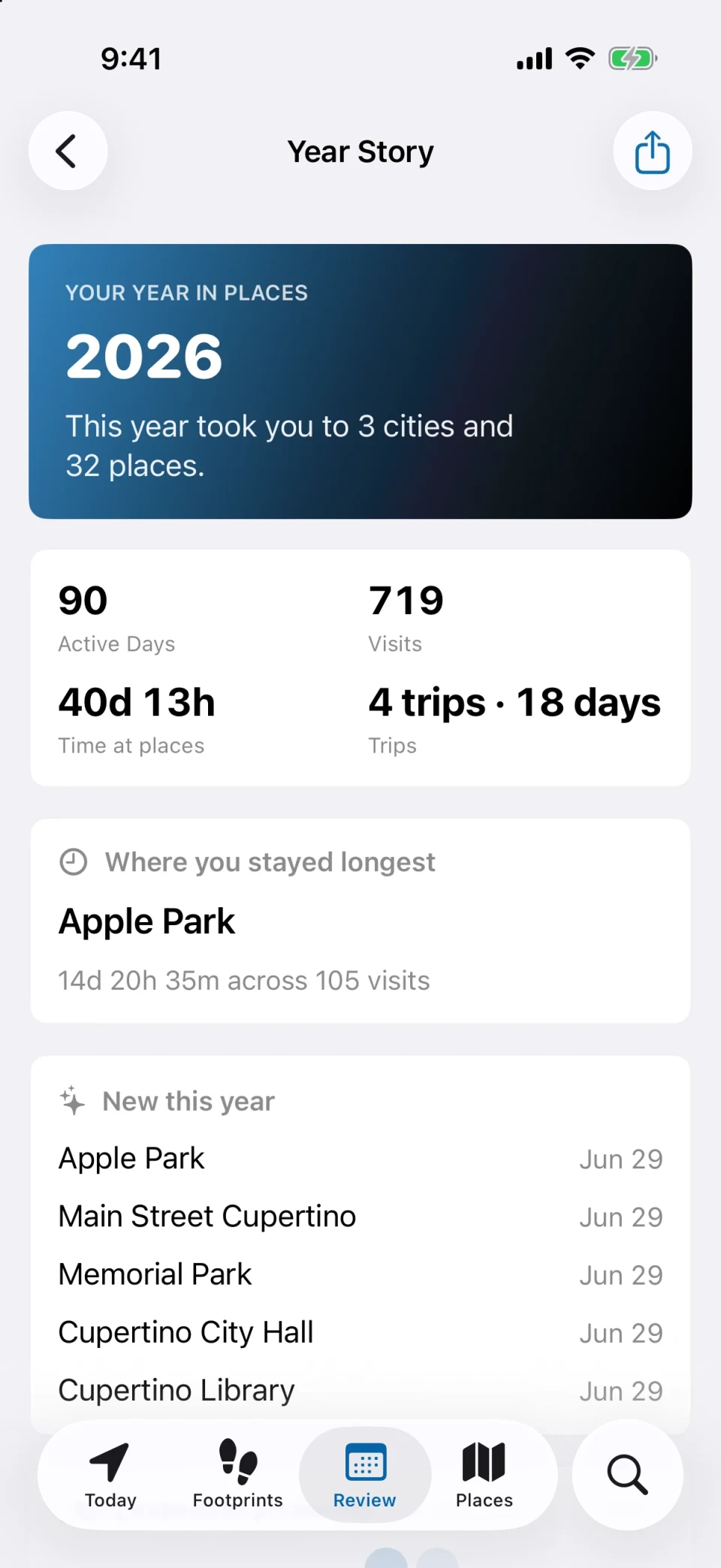
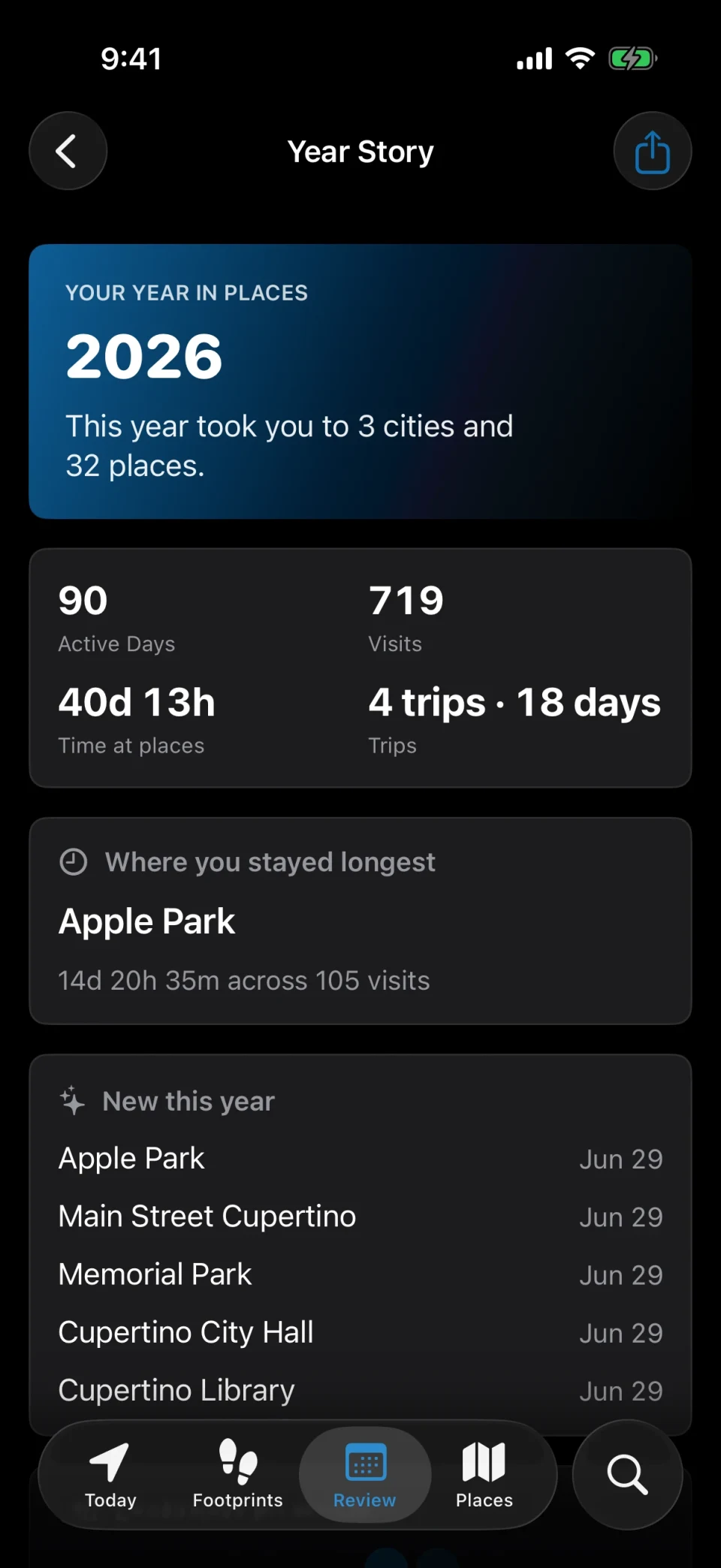
Beyond single trips, MeTrail keeps count of the countries and cities you have reached, when you first got to each one, and how often you move between cities.
- A world map of your cities, year by year
- City Moves shows your most common routes between cities
- A milestone alert the first time you reach a new country
How it works
Install before you leave, read it when you are back
- 01
Allow location access
Grant Always location access once. Precise mode, the default, locates you only while you are moving, which keeps battery use low on long travel days.
- 02
Just travel
No check-ins and no buttons to press. Arrivals, stays, and departures are recorded as you go, and you can add a missed stop by hand later.
- 03
Open the trip
Back home, the trip is already there with its map, cities, and day-by-day timeline. Share the Trip Story or export the whole thing as GPX or KML.
FAQ
Questions from travelers
- Does it need mobile data or a connection abroad?
- Visits are recorded on the device using location services. Looking up place names, addresses, and weather needs a connection, and failed lookups are retried later, so a day offline still gets recorded and filled in afterwards.
- How does MeTrail decide what counts as a trip?
- Two or more days away from your home city become a trip automatically. Each trip collects the cities and places you visited, with a cover photo and a day-by-day timeline.
- Will it drain my battery on travel days?
- MeTrail does not keep GPS running like a navigation app. Precise mode locates you only while you are moving and pauses when the battery runs low; Power Saving uses even less by relying on the system’s own visit records.
- Can I share a trip without giving away exact addresses?
- Yes. Share cards come in Postcard, Poster, and Photo templates, and you choose in the preview whether to include detailed addresses, coordinates, and notes.
More ways to use MeTrail
The same history answers other questions too
- Google Timeline alternativeA Google Maps Timeline alternative for iPhone. MeTrail records your places automatically, keeps them on your device, and imports your Google Timeline export.
- Location diaryMeTrail is a location diary for iPhone. It records the places you go and how long you stay, so you can open any date and see where you were, in order, on a map.
- Commute and office daysTrack office days and commute times on iPhone, no timesheets. MeTrail logs when you arrive and leave each place, counts visits, and runs automations on arrival.
Start today, and leave yourself something to look back on
Install it, grant the permission once, and let it run. On the day you need to look something up, you will be glad it was on.
Requires iOS 18.0 or later. Background recording, notifications, and automation depend on system permissions.