

Google Timeline alternative
Keep your timeline after Google Timeline
MeTrail is a location journal for iPhone that records where you went and how long you stayed, with no check-ins. Bring your Google Timeline export with you, and keep adding to it on a device you control.
- Imports Google Timeline exports
- No account needed
- History stays on your iPhone first
What changed
Google Timeline moved to your phone. Your history needs a new home.
Google Maps Timeline no longer lives on the web. The history now sits only on the phone that recorded it, tied to a Google Account and to that device’s backup settings. Many people found out when timeline.google.com stopped working, or when years of history did not make the move.
If you still want a daily record of where you have been, you need two things: an app that keeps recording, and a way to bring the history you already have. MeTrail does both on iPhone, and it never asks you to create an account.
Bring your history
Import the timeline you already have
MeTrail reads Google Timeline exports and turns the stays in them into visits and places, so your old days sit on the same calendar as the new ones.
- Works with the Timeline.json file exported from the Google Maps app, and with Location History files from an earlier Google Takeout archive
- Pick several files or a whole folder at once, then check the preview before anything is written
- Import only adds: visits that overlap existing ones are skipped, and every import can be undone from Import History
Keep recording
Arrivals, stays, and departures, logged in the background
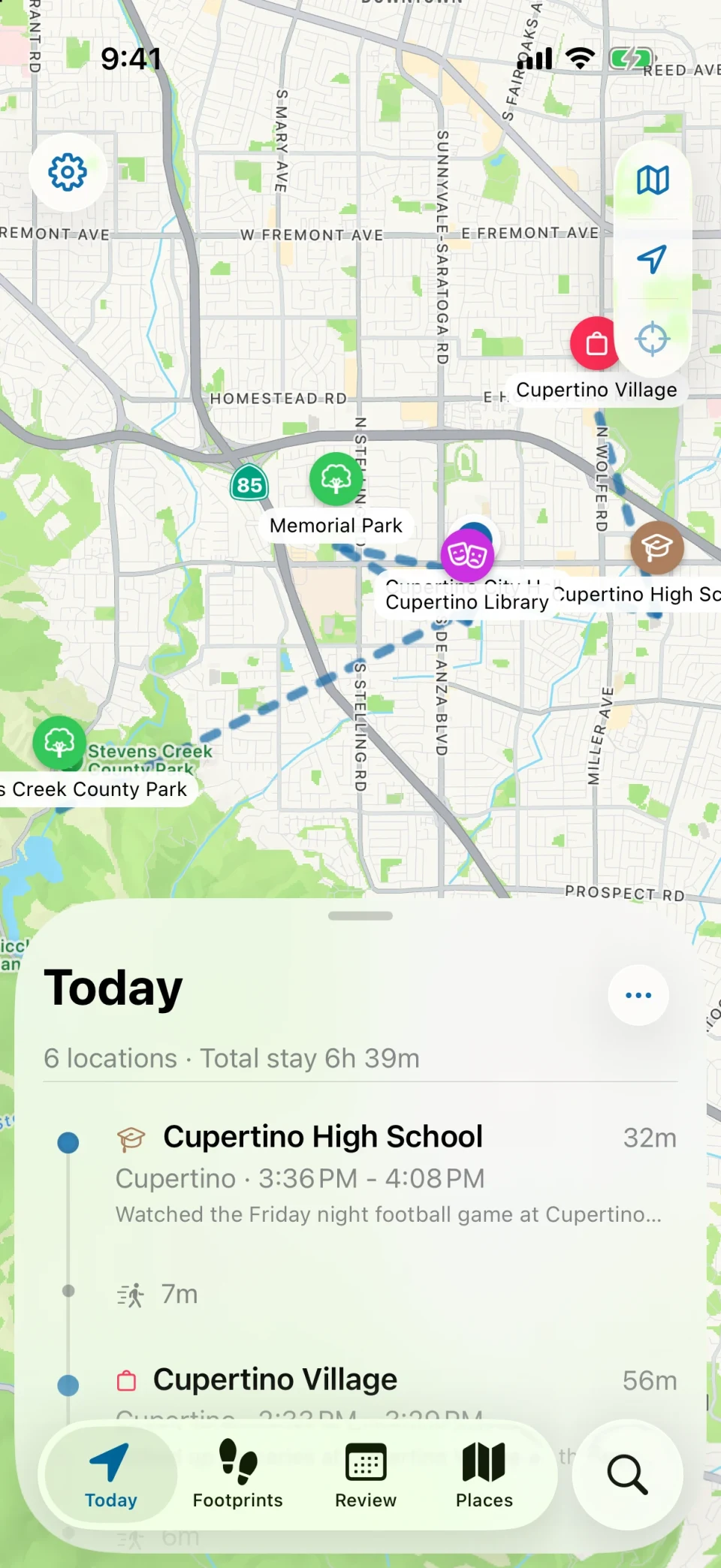
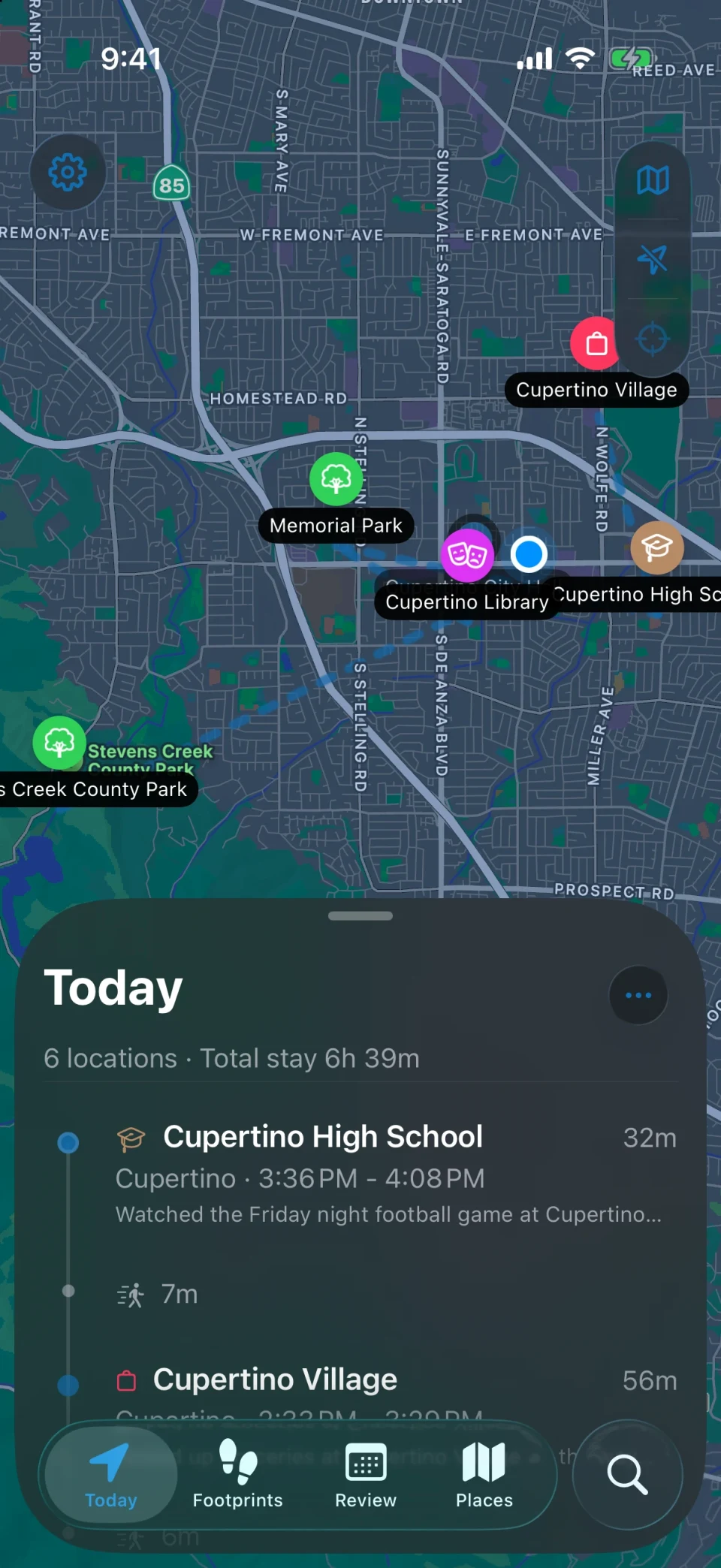
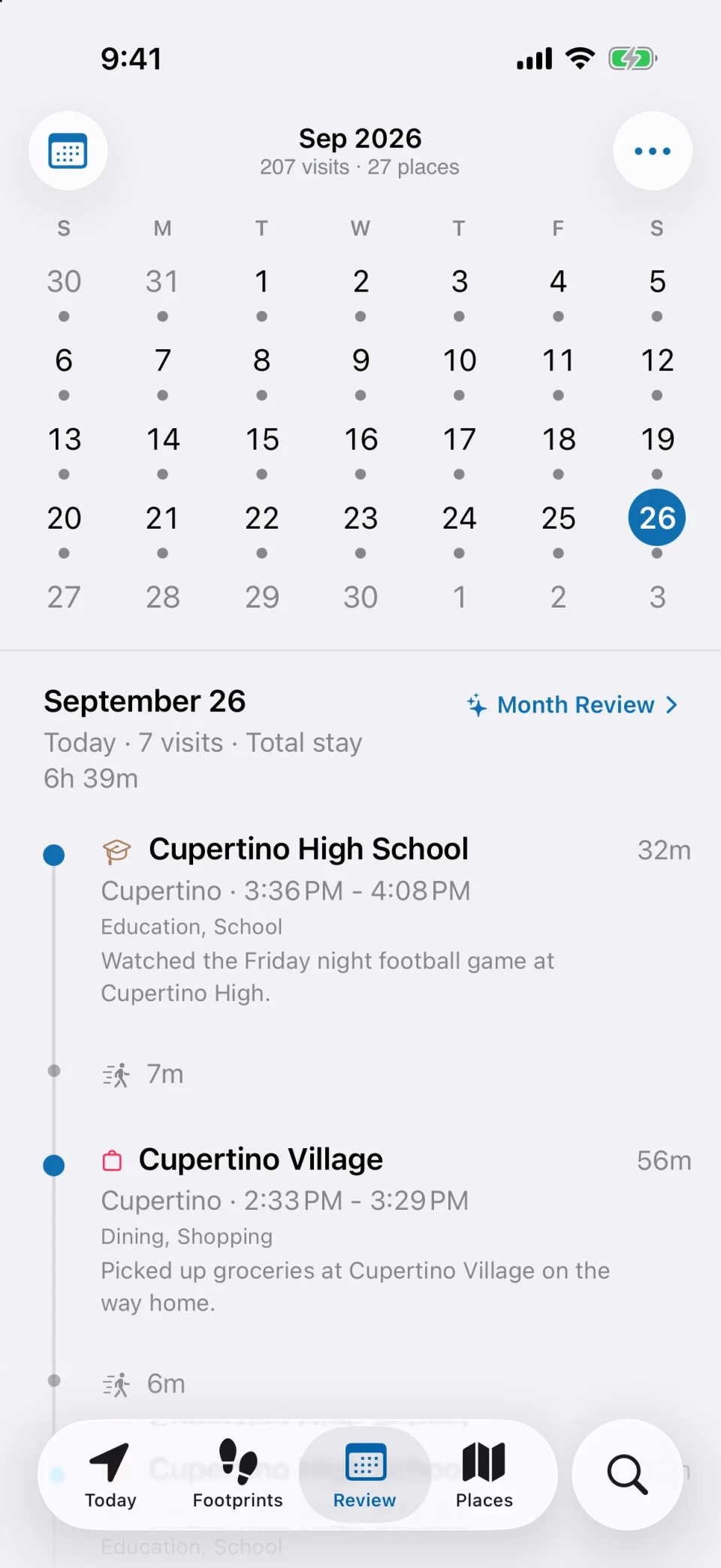
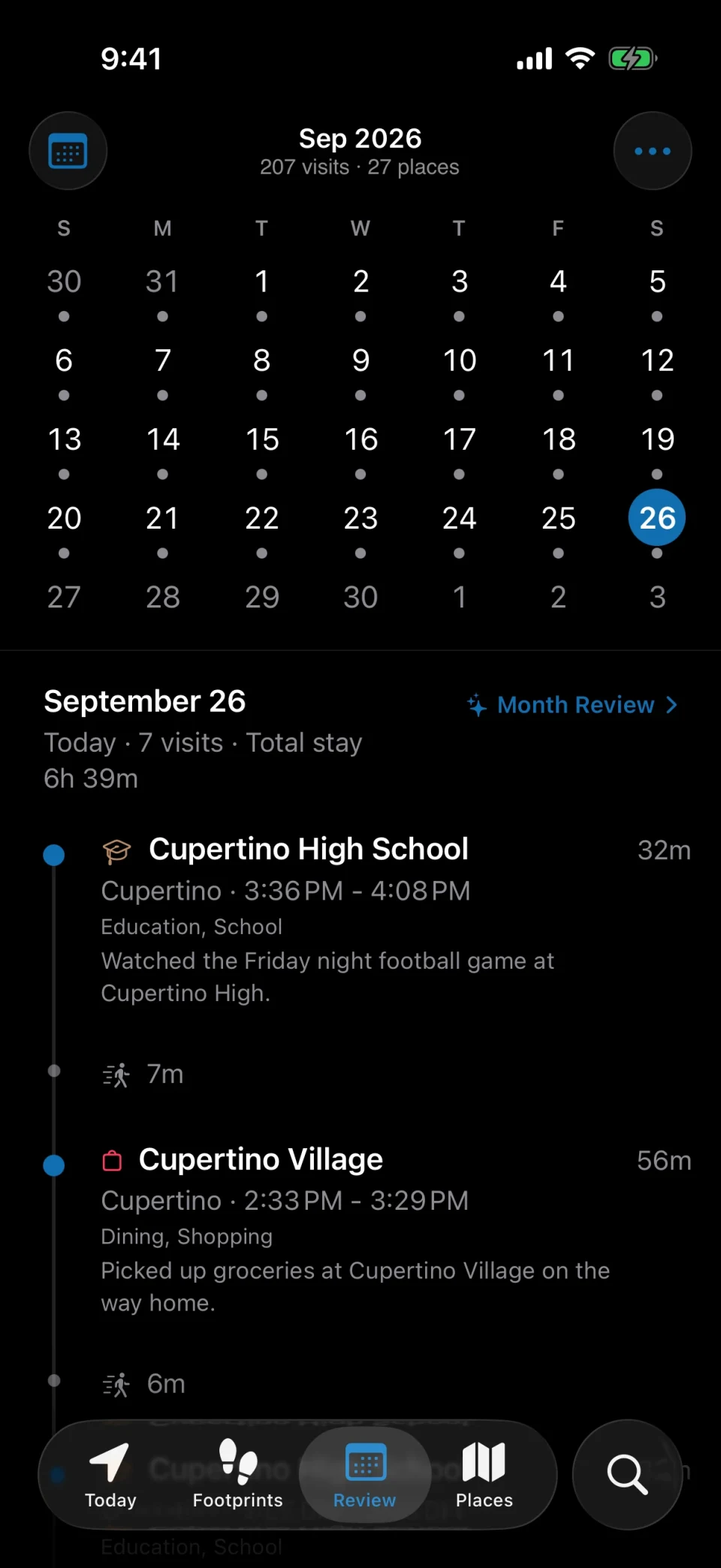
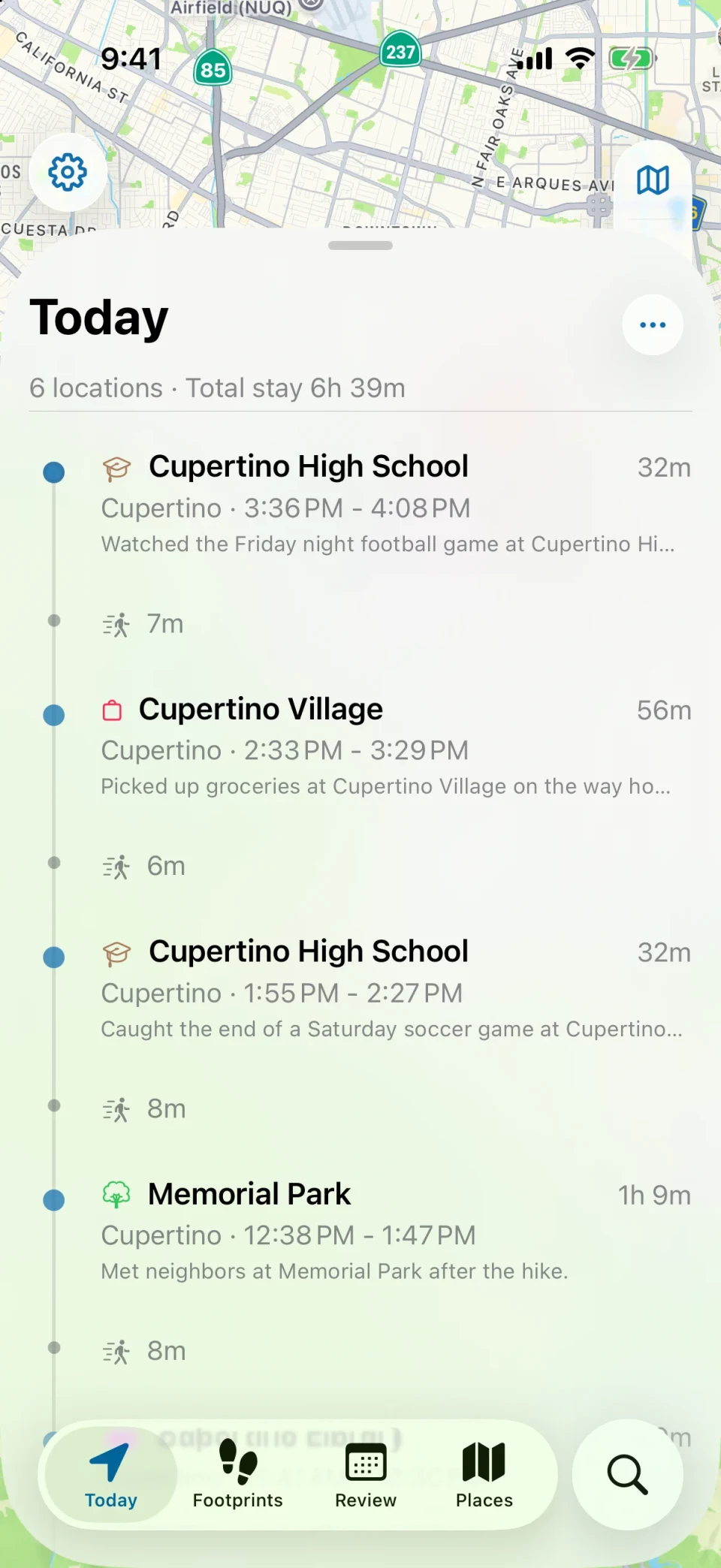
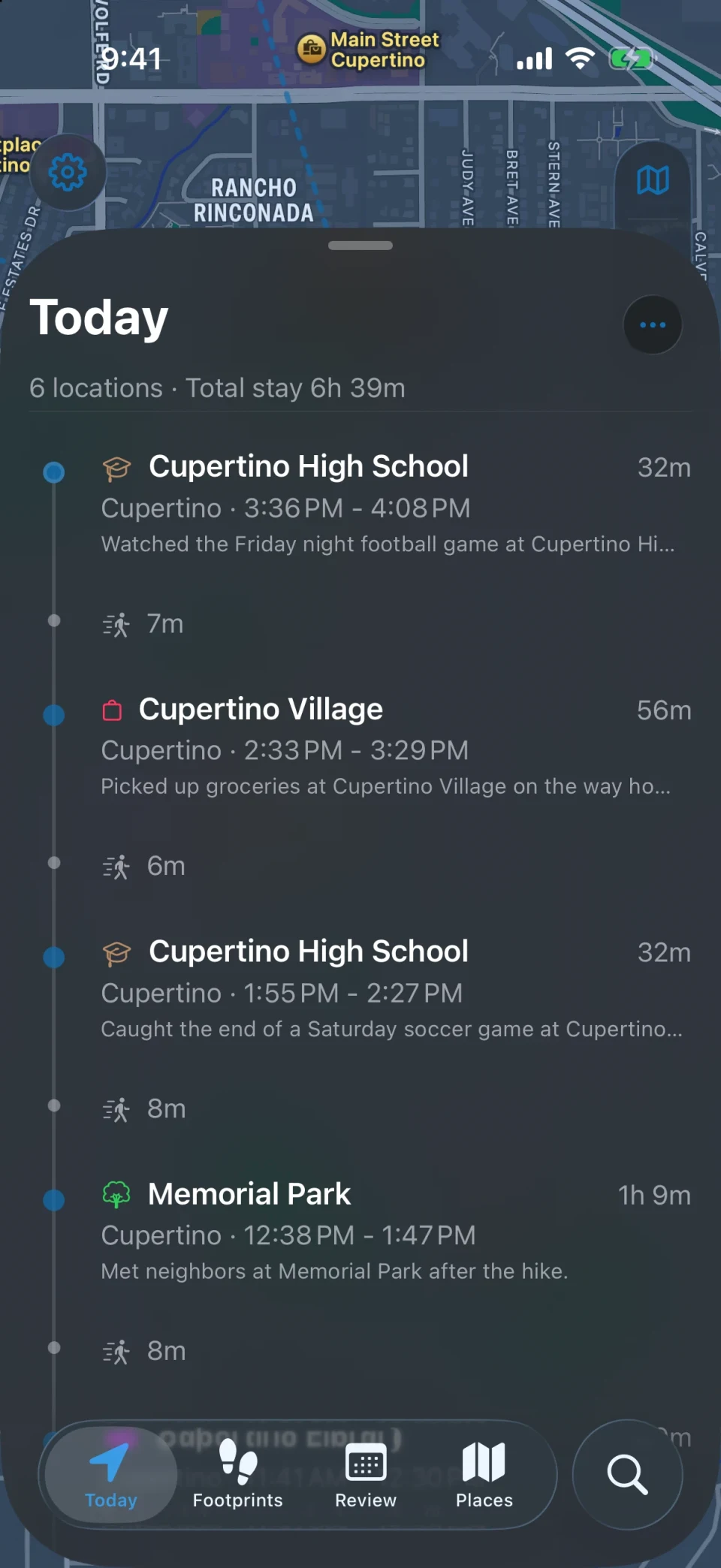
Once you allow location access, MeTrail notes when you arrive somewhere, how long you stay, and when you leave. Each day becomes an ordered list of places on a map and a timeline.
- Precise, Balanced, and Power Saving modes let you choose how fast visits appear and how much battery it uses
- Add or fix a missed visit by hand
- Every place keeps its own file with first visit, latest visit, total visits, and total time
Yours to keep
A history that does not depend on an account
Your visits, places, photos, and notes are stored on your iPhone. Nothing is uploaded unless you turn on iCloud sync, export, or sharing yourself.
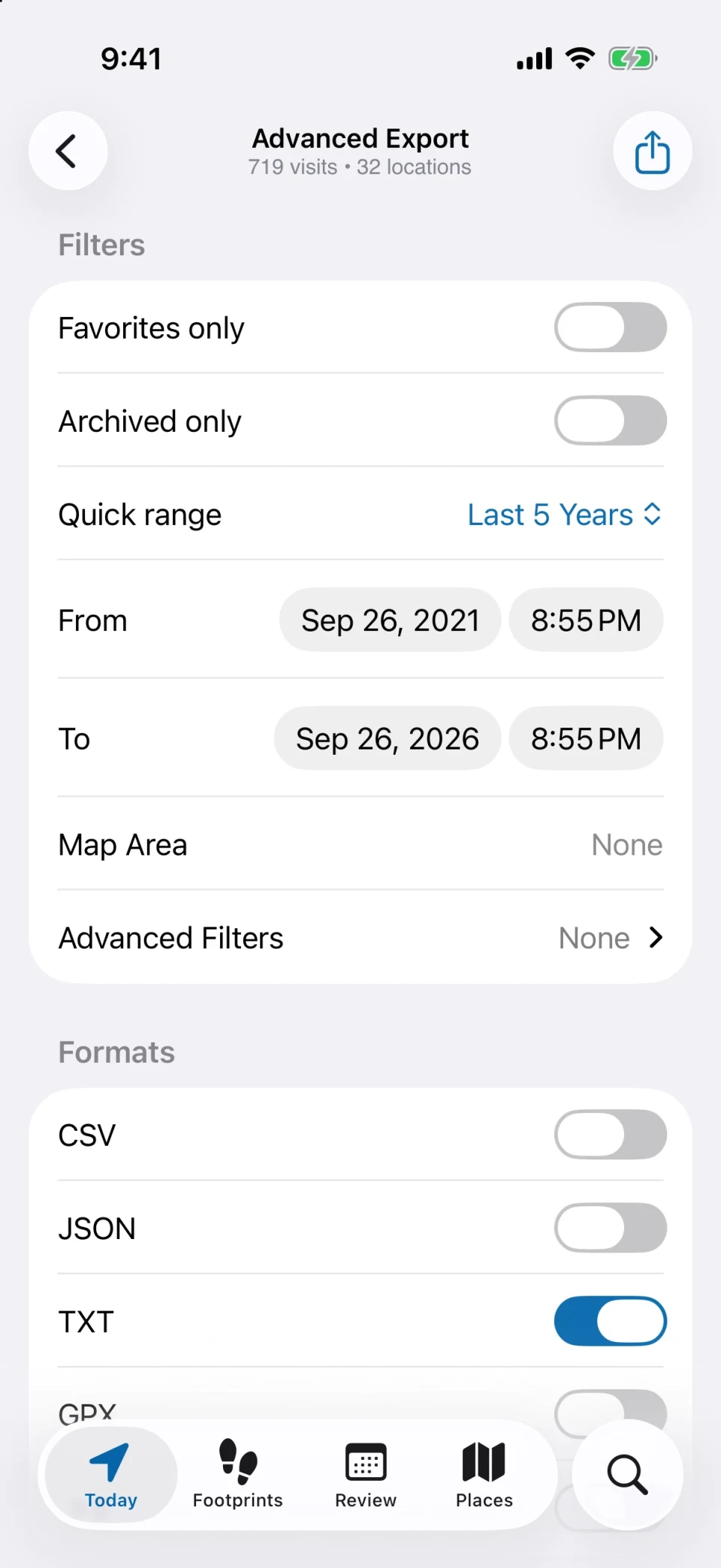
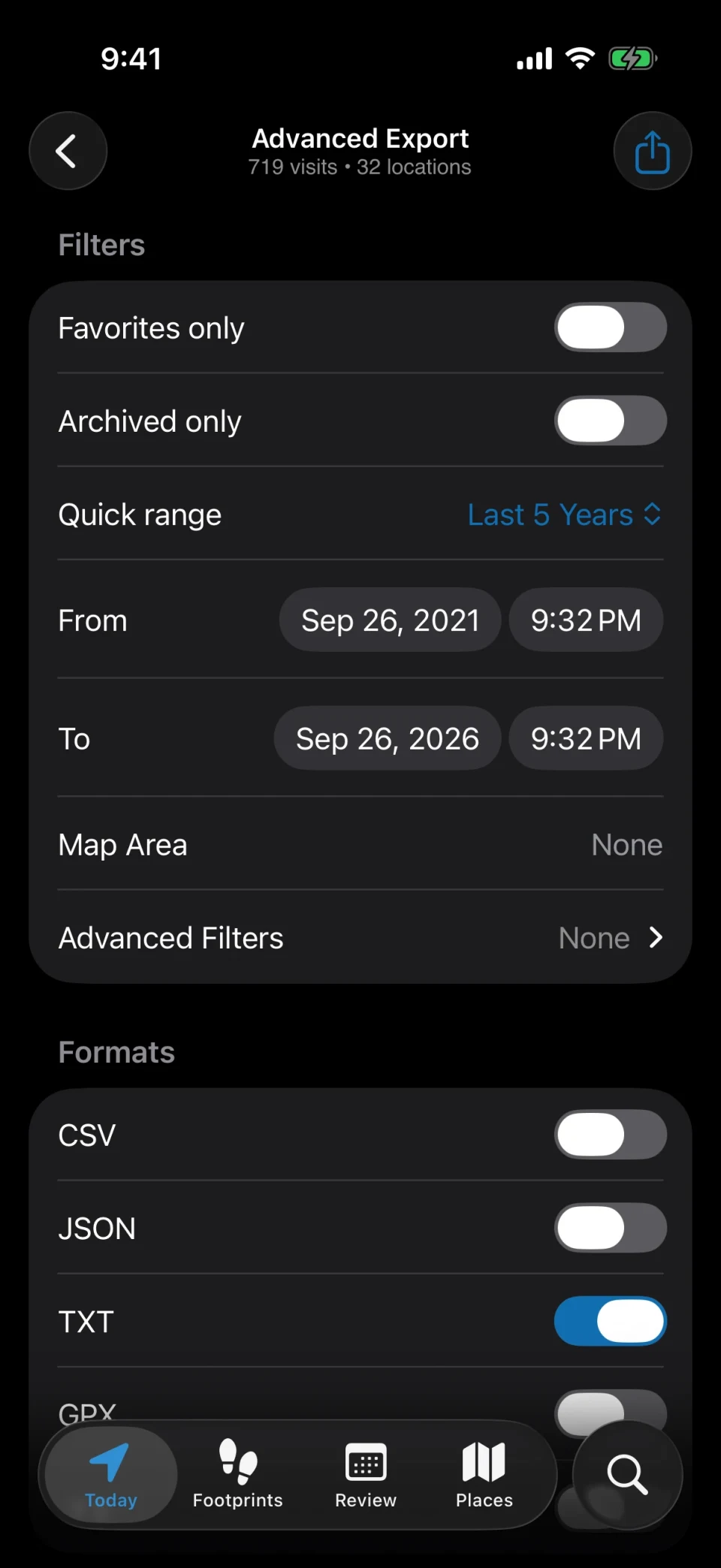
- Export to CSV, JSON, TXT, GPX, or KML whenever you like
- Open an export in the MeTrail Web Viewer on a computer; the file is read in the browser and never uploaded
- Lock the app with Face ID, Touch ID, or a passcode
Move in three steps
From Google Timeline to MeTrail
- 01
Export from Google
In the Google Maps app, open your Timeline settings and export your Timeline data to get a Timeline.json file. An older Google Takeout Location History archive works too.
- 02
Import into MeTrail
Open Today > Settings > Import Data, tap Choose Files…, and select the files or the folder. Check the Will Import and Will Skip counts, then import.
- 03
Let it keep going
Imported places start with coordinates and get names and addresses while MeTrail is open. From today on, new visits are recorded automatically.
Google Maps Timeline and MeTrail, side by side
The two record the same kind of history. They differ in where it lives and how you get it out.
| Google Maps Timeline | MeTrail | |
|---|---|---|
| Platforms | Android and iPhone | iPhone (iOS 18 or later) |
| Account | Google Account required | No account |
| Where the history is stored | On the phone, with optional encrypted backup | On your iPhone, with optional sync through your own iCloud |
| Viewing on a computer | The web version has been discontinued | Web Viewer opens an export locally in the browser |
| Export formats | JSON | CSV, JSON, TXT, GPX, KML |
| Notes, photos, and tags on a visit | Not the focus | Built in, with library photos matched to each stay |
Google Maps Timeline details are based on Google’s public announcements. Check Google’s help pages for the current state.
FAQ
Questions about switching from Google Timeline
- Which Google Timeline files can MeTrail import?
- The Timeline.json file you export from the Google Maps app on your phone, and the Location History files (Semantic Location History) from an older Google Takeout archive. You can select several files or a whole folder in one go.
- Will my routes come across too?
- MeTrail looks for the stays in your Google data and creates visits and places from them. It records stays rather than continuous routes, so the paths you drove or walked between places are not kept as tracks.
- What happens if I import the same file twice?
- Nothing changes. Import only adds records: visits already on the device and visits whose times overlap existing ones are skipped. If an import was a mistake, tap Undo on it in Import History.
- Why do imported places show coordinates instead of names?
- Google exports mostly contain coordinates. MeTrail fills in names and addresses gradually while the app is open, and a visit’s Source row tells you it came from Google Timeline.
- Does MeTrail work on Android?
- No. MeTrail is an iPhone app and requires iOS 18.0 or later. Its exports are open formats, so the history is never locked to it.
More ways to use MeTrail
The same history answers other questions too
- Travel journalMeTrail turns every trip into a travel journal on its own: the cities, the places, how long you stayed, and the photos you took, laid out day by day on a map.
- Location diaryMeTrail is a location diary for iPhone. It records the places you go and how long you stay, so you can open any date and see where you were, in order, on a map.
- Commute and office daysTrack office days and commute times on iPhone, no timesheets. MeTrail logs when you arrive and leave each place, counts visits, and runs automations on arrival.
Start today, and leave yourself something to look back on
Install it, grant the permission once, and let it run. On the day you need to look something up, you will be glad it was on.
Requires iOS 18.0 or later. Background recording, notifications, and automation depend on system permissions.