

Location diary
Where were you on that day?
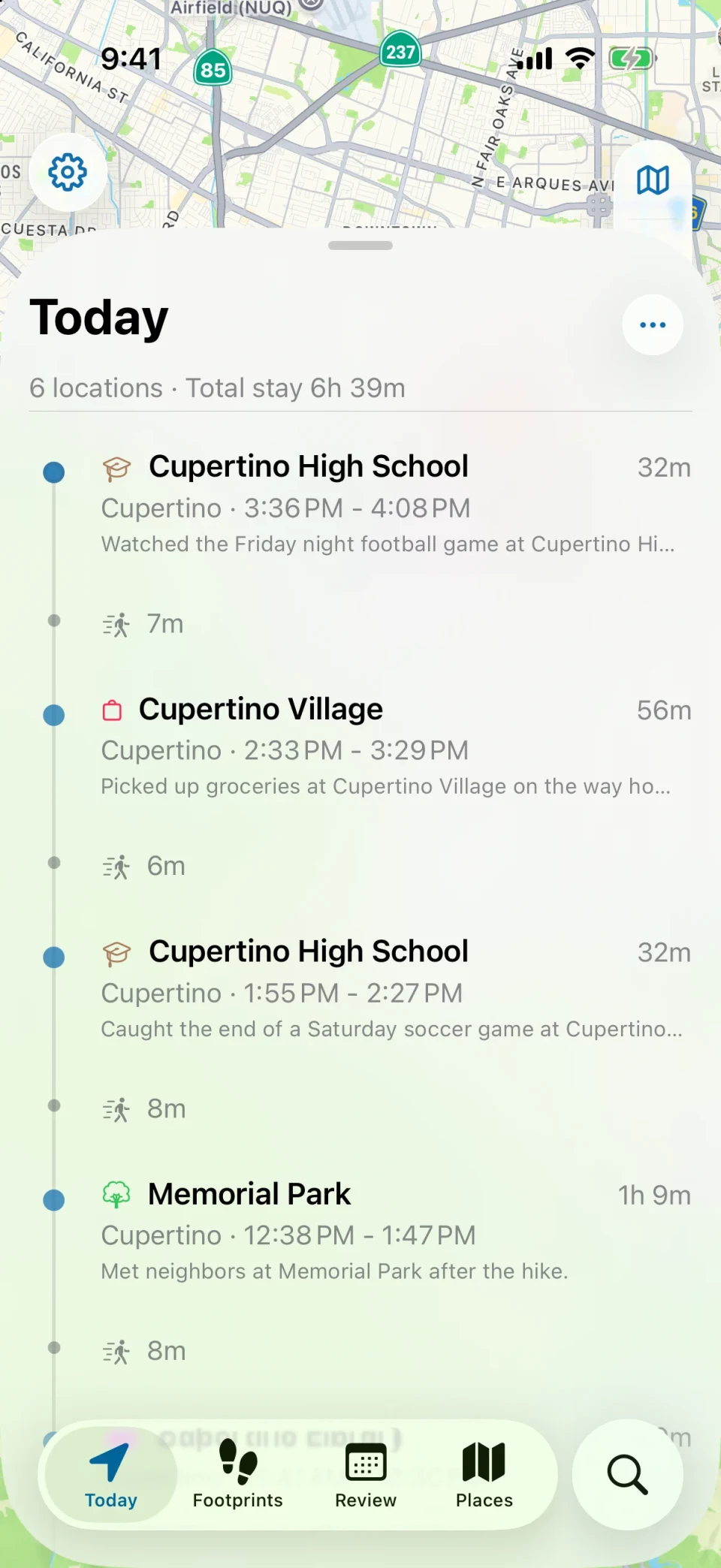
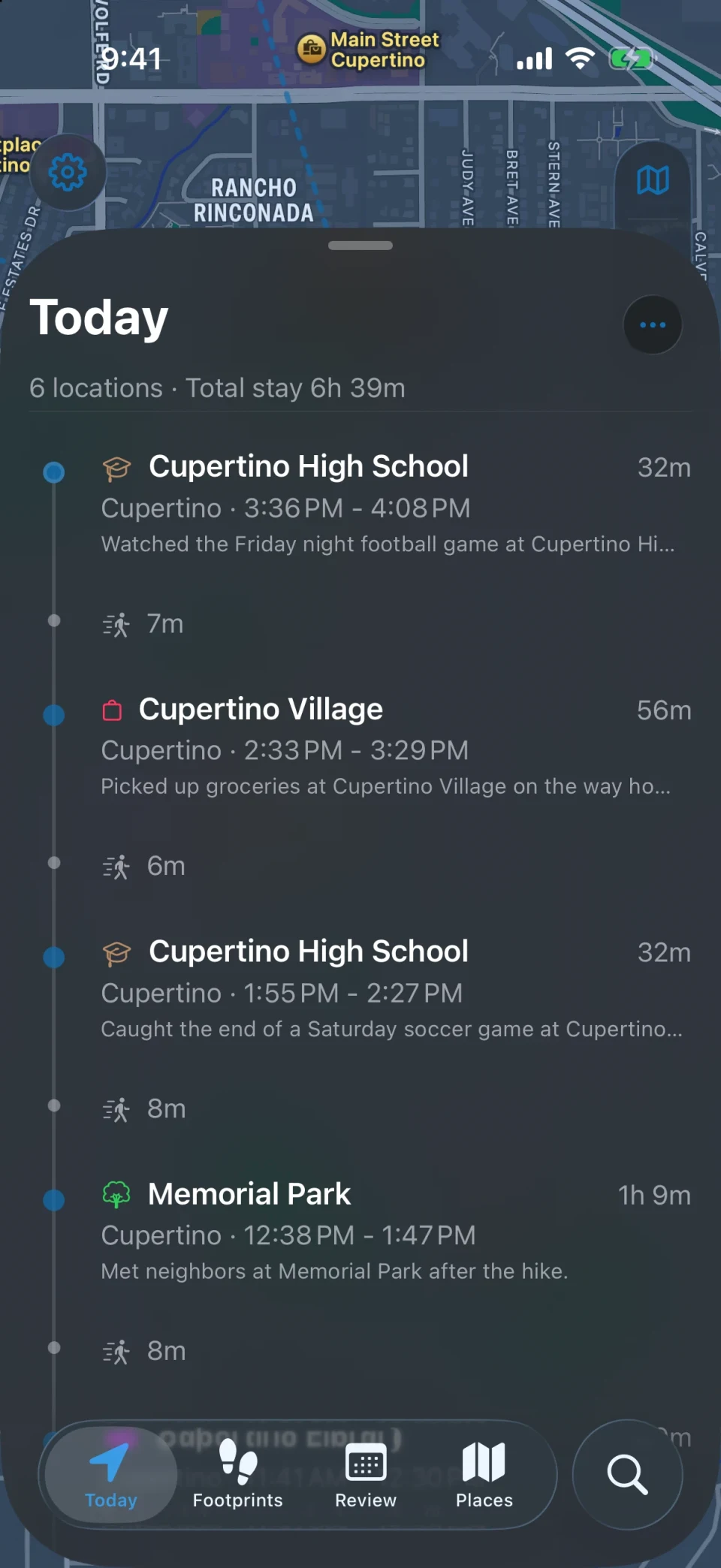
MeTrail keeps a diary of places for you. It records arrivals, stays, and departures in the background, so months later you can open any date and see the order of your day, how long each stop lasted, and the path between them.
- Any date, in seconds
- Notes and photos on every visit
- History stays on your iPhone first
Any day
Look up a date instead of reconstructing it
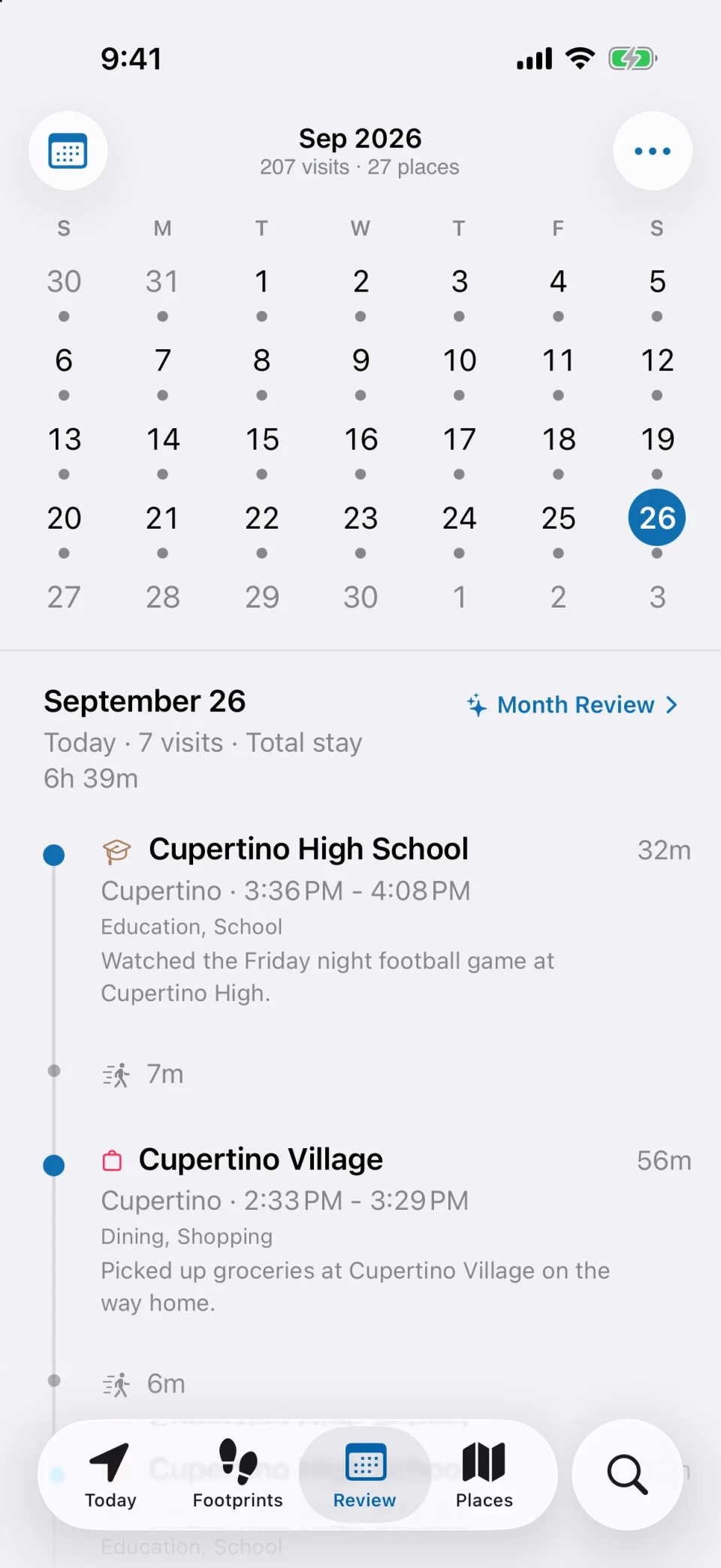
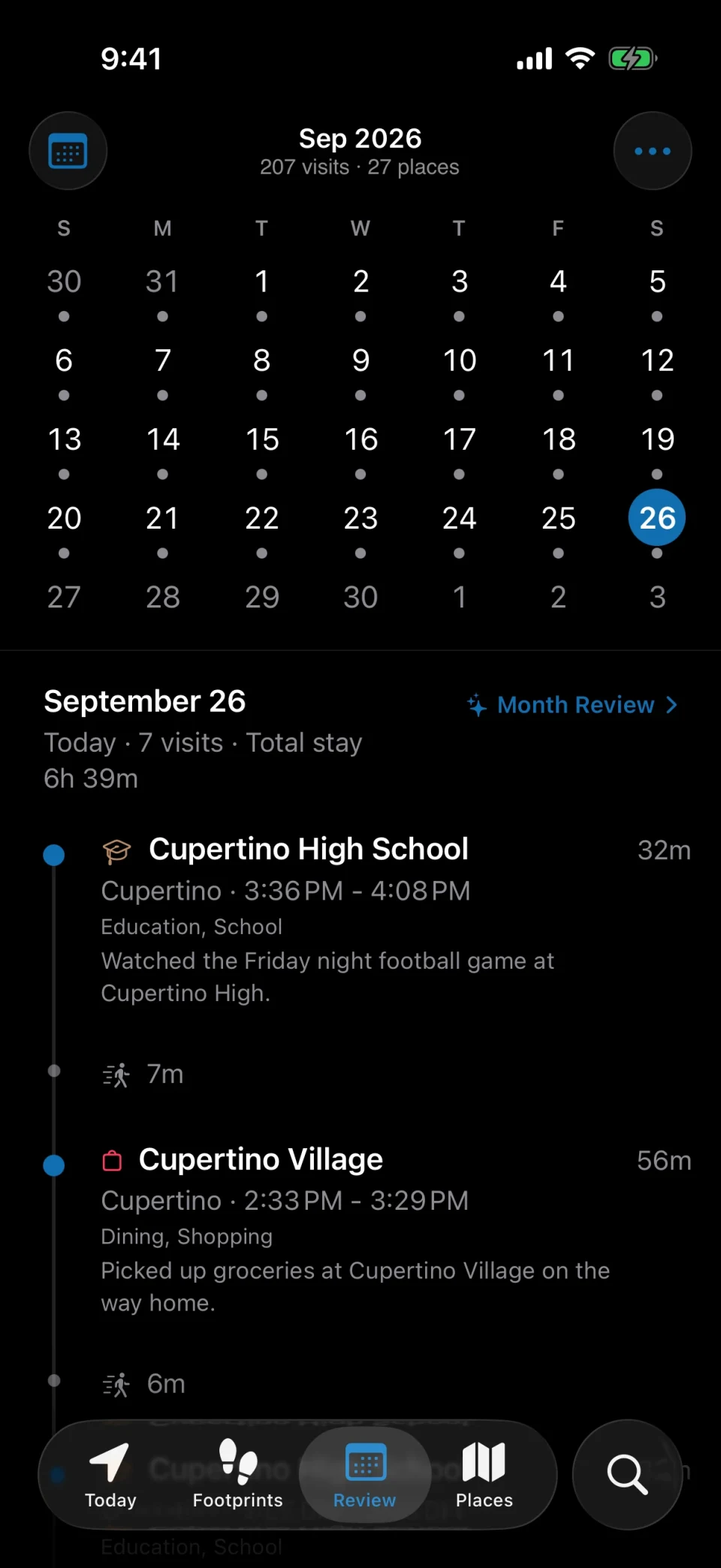
Memory fades; the record does not. Pick a day in the calendar and MeTrail shows the places in order with arrival and departure times, so you no longer piece a day together from photos and receipts.
- Calendar shows at a glance which days you went out
- On This Day brings back where you were a year ago
- Search by place, pin, tag, or note, or open visits from Spotlight and Shortcuts
Every place
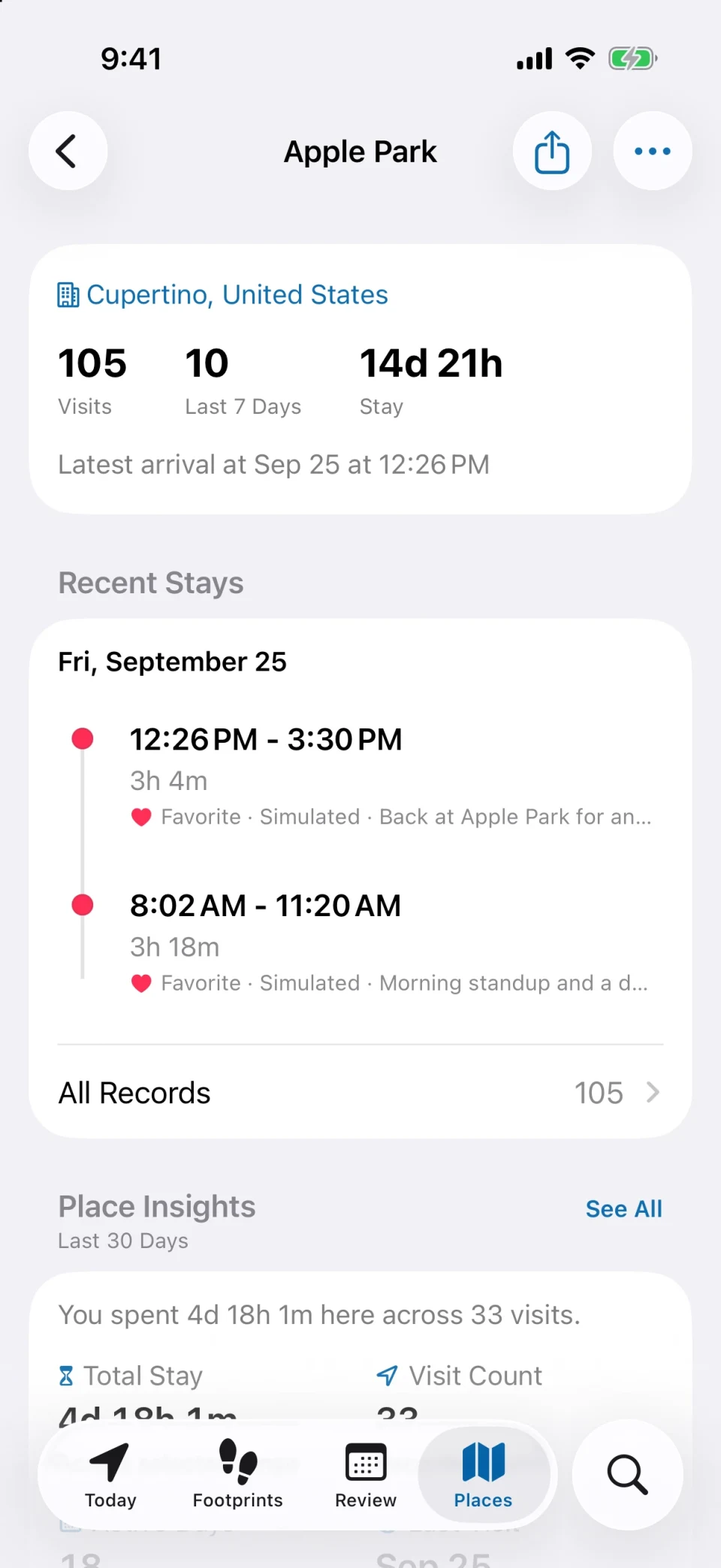
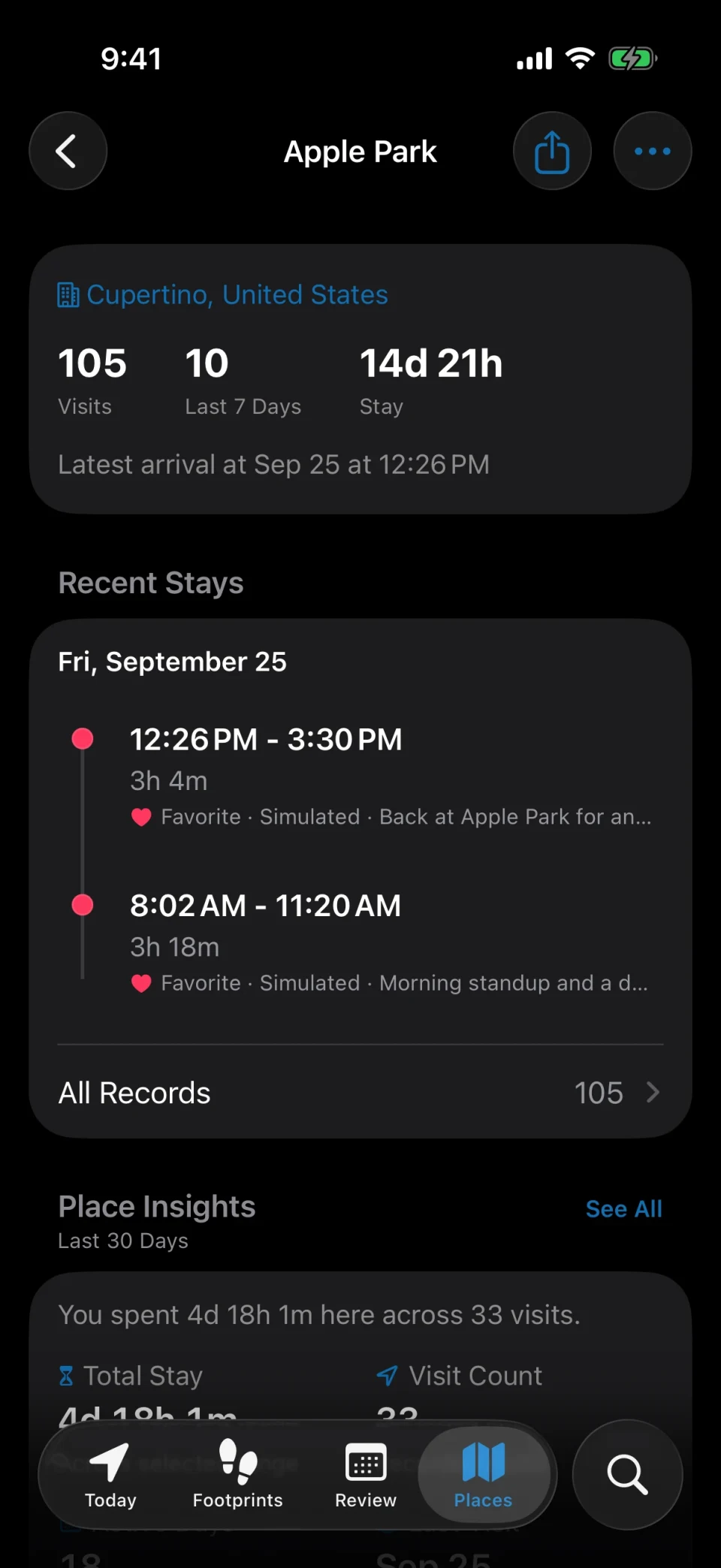
Each place keeps its own file
How many times have you actually been to that restaurant, and when was the first time? Every place records its first visit, latest visit, total visits, and total time, with the visit history grouped by month.
- Favorites, categories, tags, and colors for the places you return to
- Places grouped by city and by country
- Fix a mismatched place by adjusting its location or merging duplicates
More than coordinates
Write the line that belongs to the place
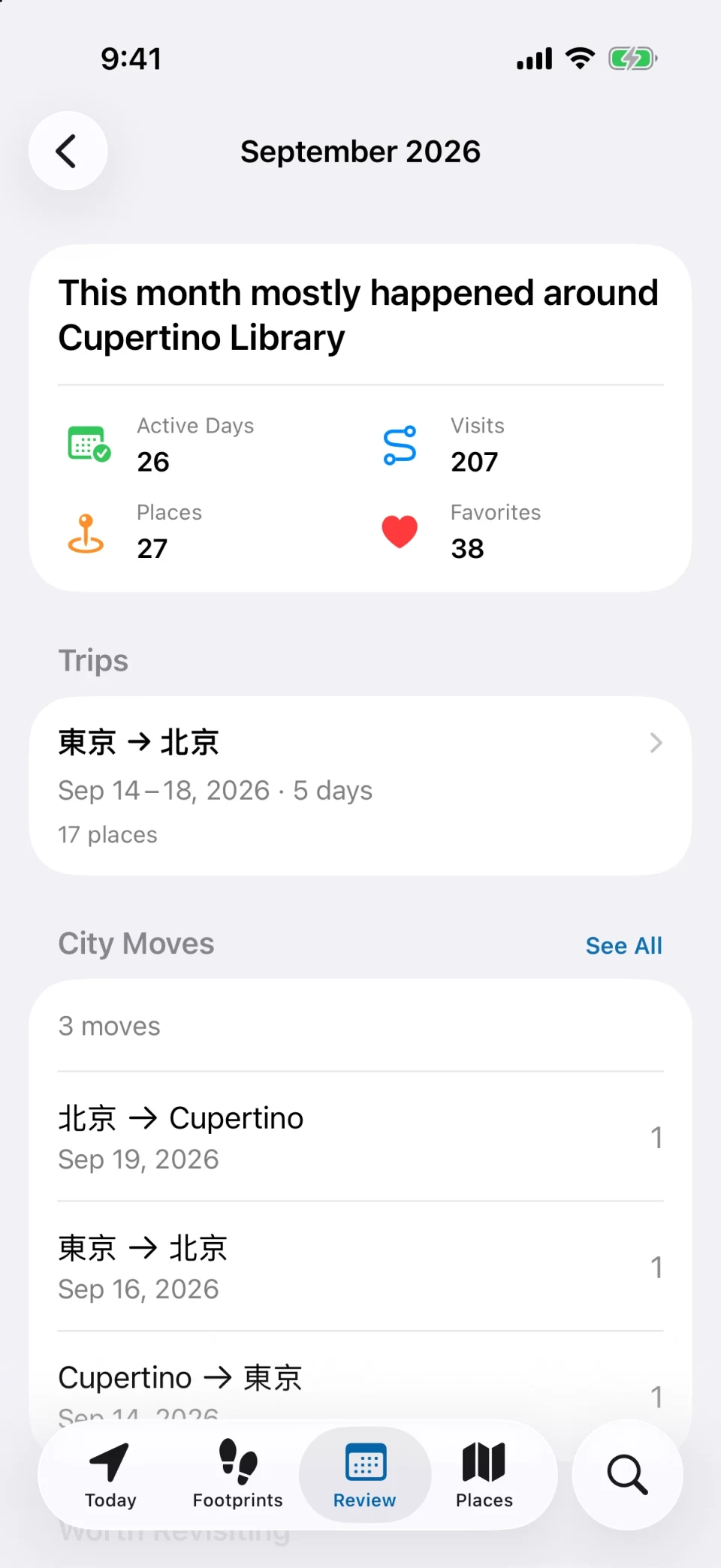
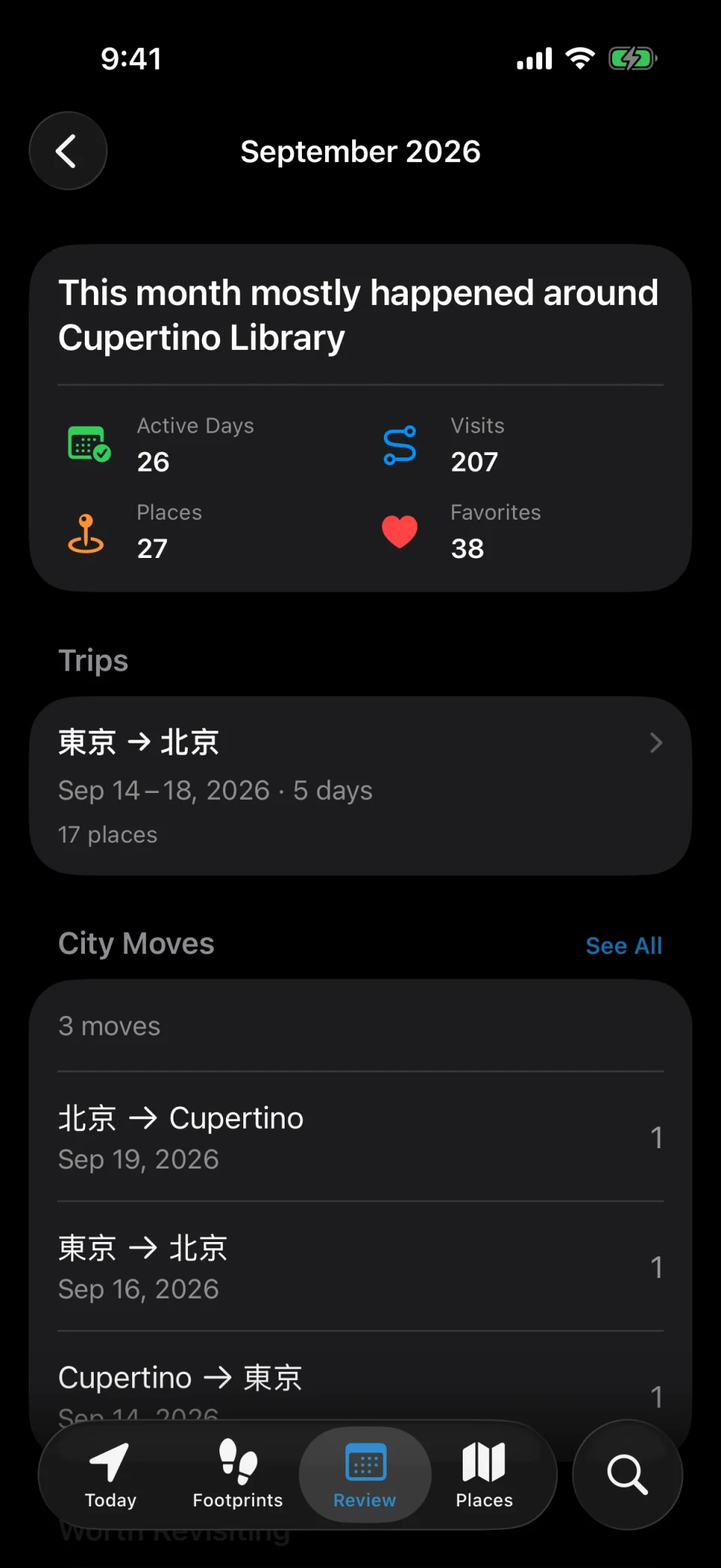
Add a note to a visit, attach a few photos, or tag it. Weekly, monthly, quarterly, and yearly reviews then show what changed, and the year story turns twelve months into one page.
- Notes, photos, and tags on any visit
- Reviews with active days, top places, and time by category
- Weekly or monthly reminders to look back
How it works
Set it up once, read it for years
- 01
Install and allow location
Grant Always location access once. There is no account to create and nothing to check in to.
- 02
Live your days
MeTrail records each place you stop at and how long you stay. Add notes or photos when you feel like it, or not at all.
- 03
Look back whenever
Open Today for the current day, Calendar for any past date, or a place’s file to see every time you were there.
FAQ
Questions about keeping a location diary
- Is my location diary uploaded anywhere?
- No, not by default. Visits, places, photos, and notes stay on your iPhone, and there is no account system. Content leaves the device only when you turn on iCloud sync, export, sharing, or alerts yourself.
- Can I add a day that was not recorded?
- Yes. You can add a missed visit by hand, fix arrival and departure times, and merge back-to-back visits. GPX files and Google Timeline exports can also be imported to fill in earlier history.
- How far back can I look?
- As far back as MeTrail has been recording, plus anything you import from GPX files or Google Timeline. Visits you would rather not see every day can be archived to hide them from the main timeline.
- Can I keep the diary private from people who borrow my phone?
- Yes. App Lock puts the whole app behind Face ID, Touch ID, or a passcode.
More ways to use MeTrail
The same history answers other questions too
- Google Timeline alternativeA Google Maps Timeline alternative for iPhone. MeTrail records your places automatically, keeps them on your device, and imports your Google Timeline export.
- Travel journalMeTrail turns every trip into a travel journal on its own: the cities, the places, how long you stayed, and the photos you took, laid out day by day on a map.
- Commute and office daysTrack office days and commute times on iPhone, no timesheets. MeTrail logs when you arrive and leave each place, counts visits, and runs automations on arrival.
Start today, and leave yourself something to look back on
Install it, grant the permission once, and let it run. On the day you need to look something up, you will be glad it was on.
Requires iOS 18.0 or later. Background recording, notifications, and automation depend on system permissions.