

Commute and office days
Know your office days without tracking them
MeTrail notes when you leave home, when you reach the office, and when you head back, all in the background. Count the days you went in, see how long you stayed, and let arrivals trigger the next step.
- Arrival and departure times
- Visit counts per place
- Automations on arrival
Office days
How many days did you go in this month?
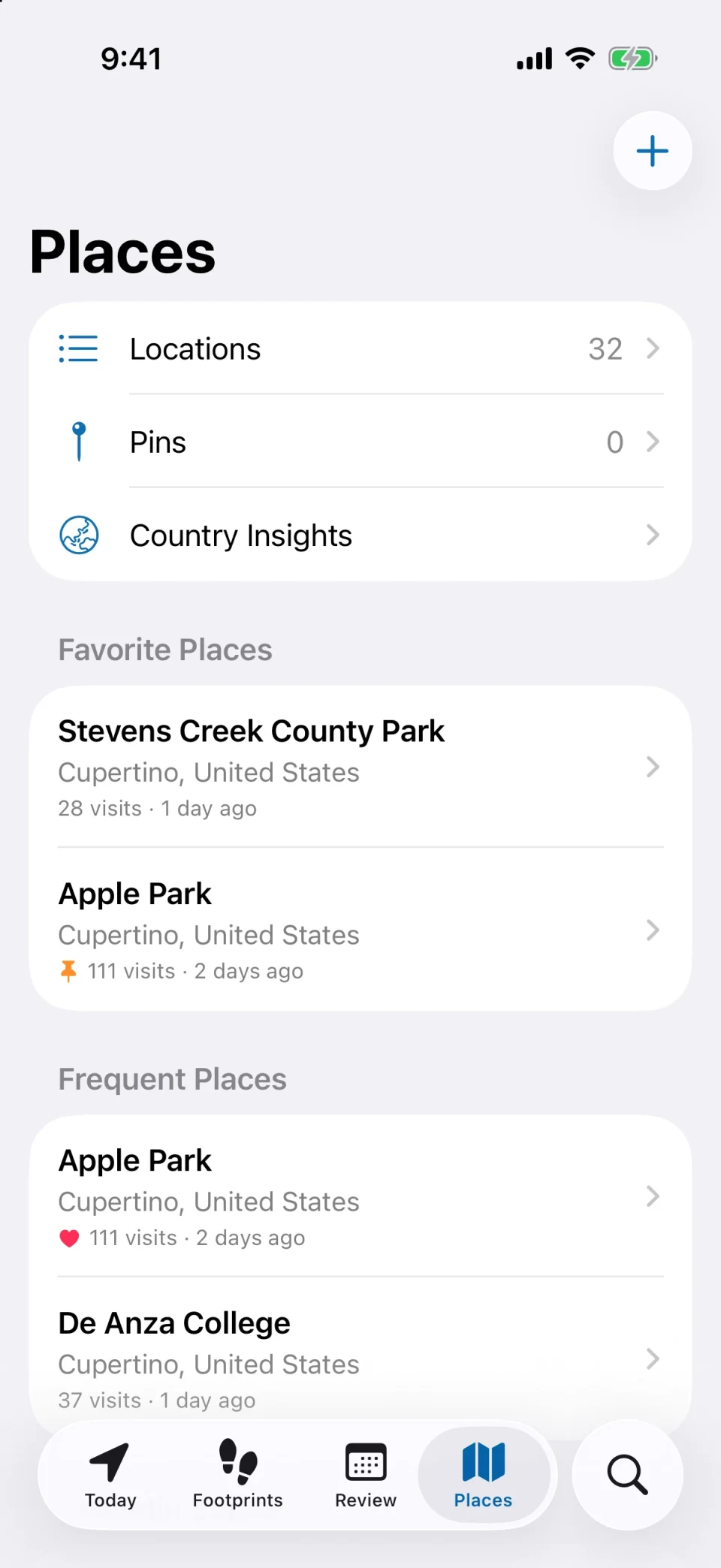
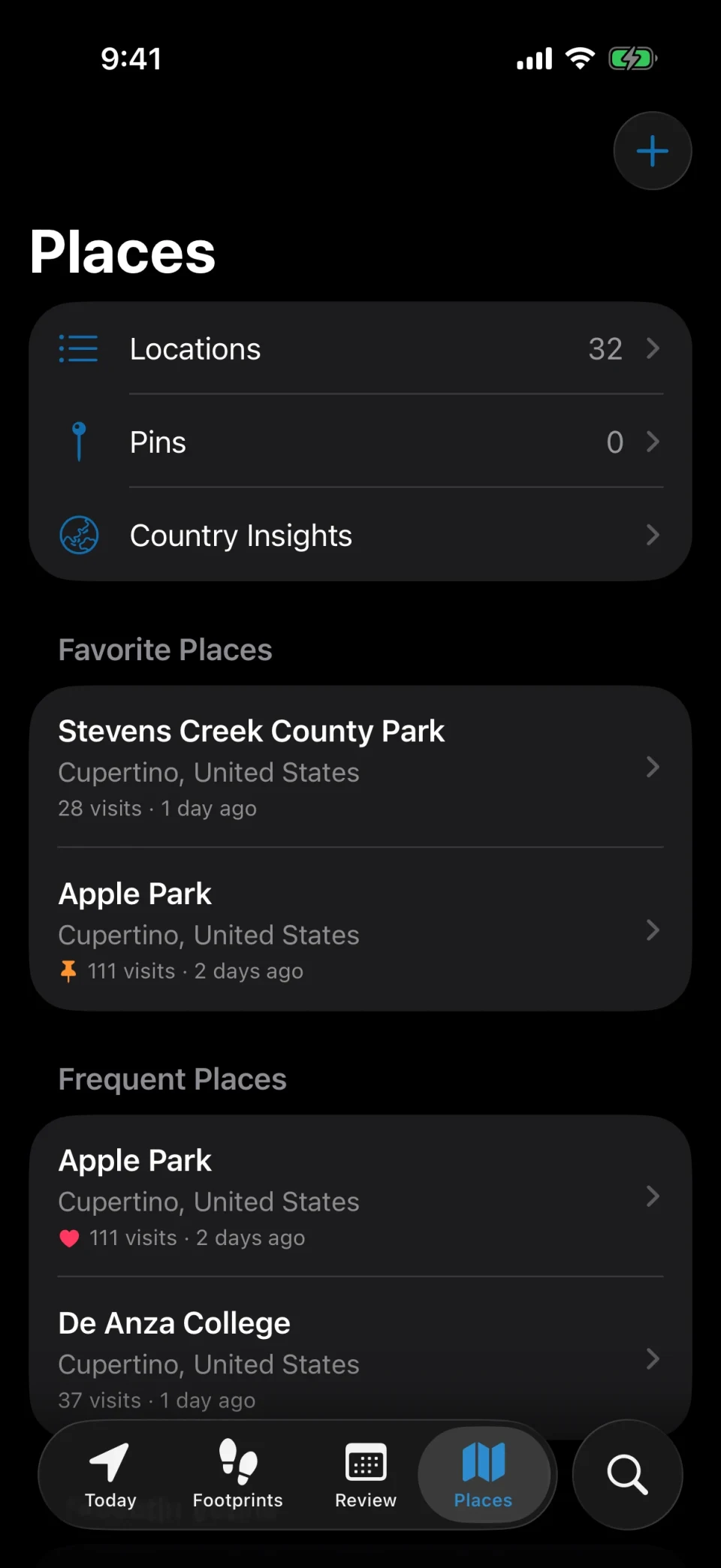
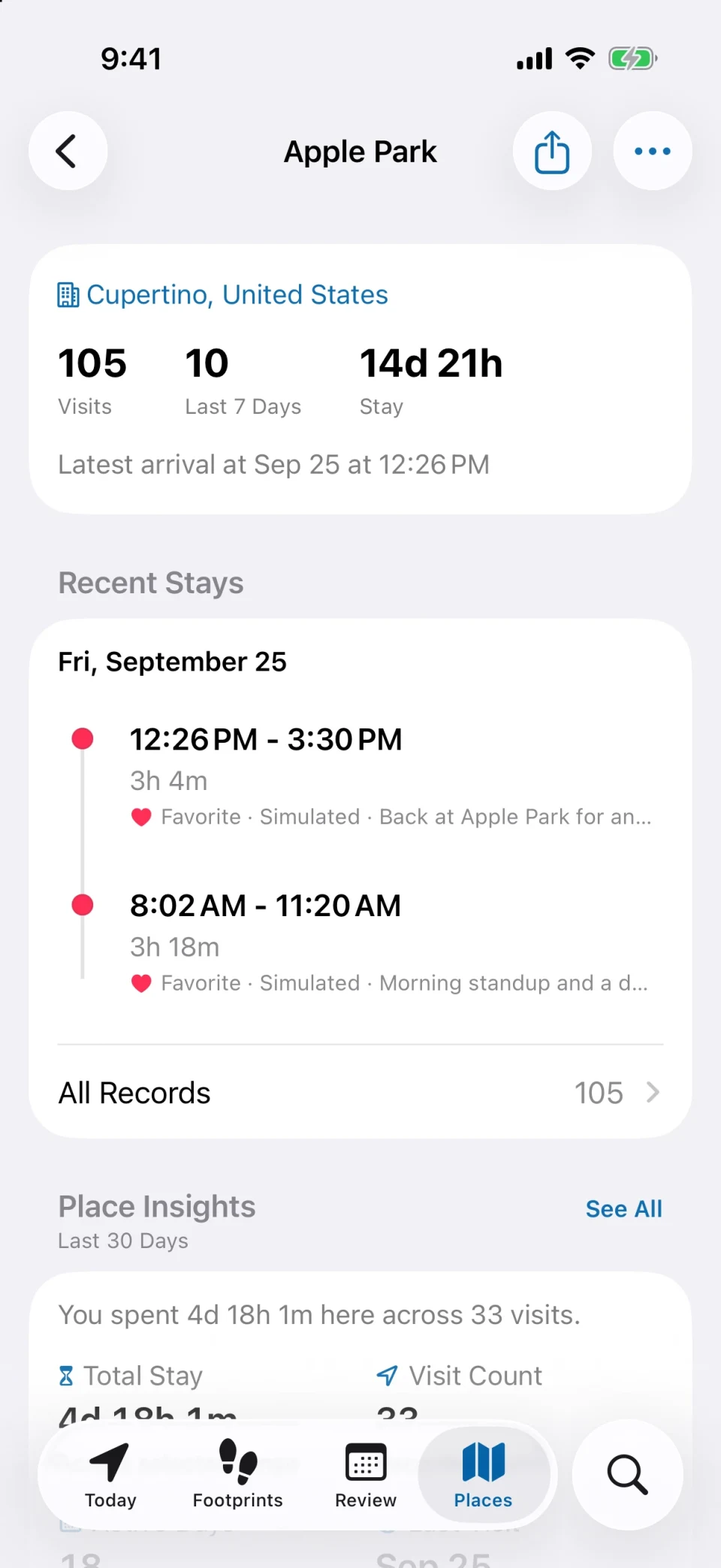
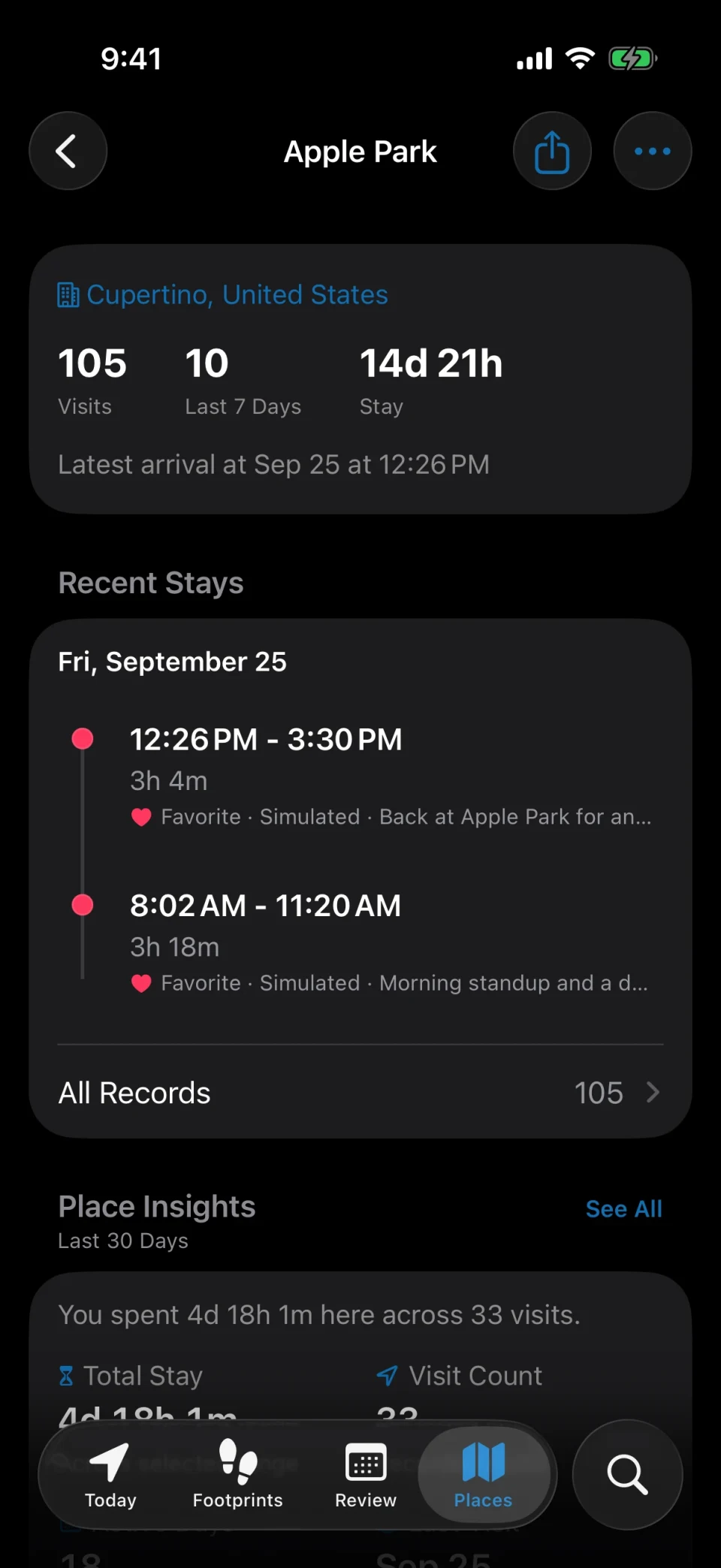
Your office is just another place in MeTrail, with its own file: total visits, total time, and a visit history grouped by month. The calendar shows which days you were there.
- Arrival and departure times for every visit
- Monthly visit counts and total time at the place
- Export the visits as CSV to work with them in a spreadsheet
Commute
See when you left and when you arrived
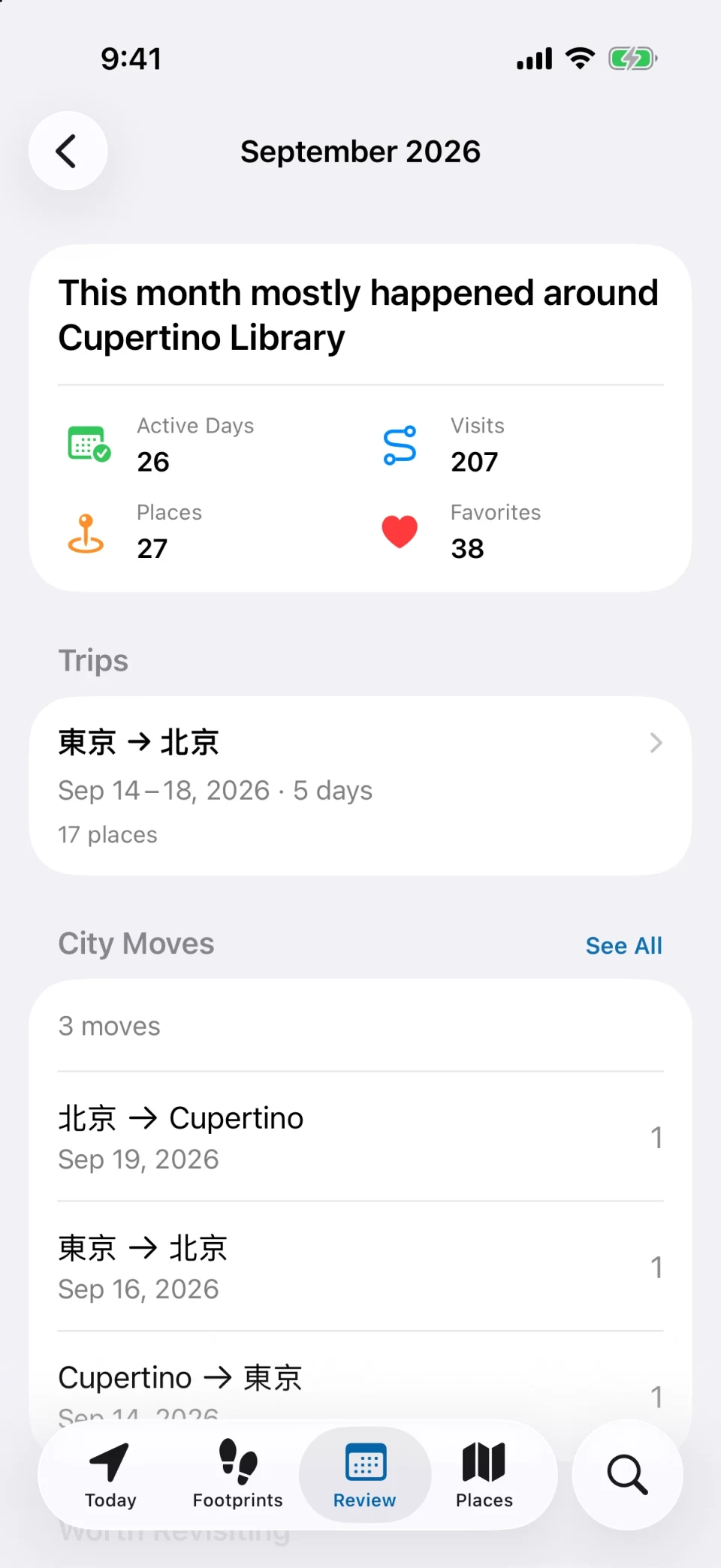
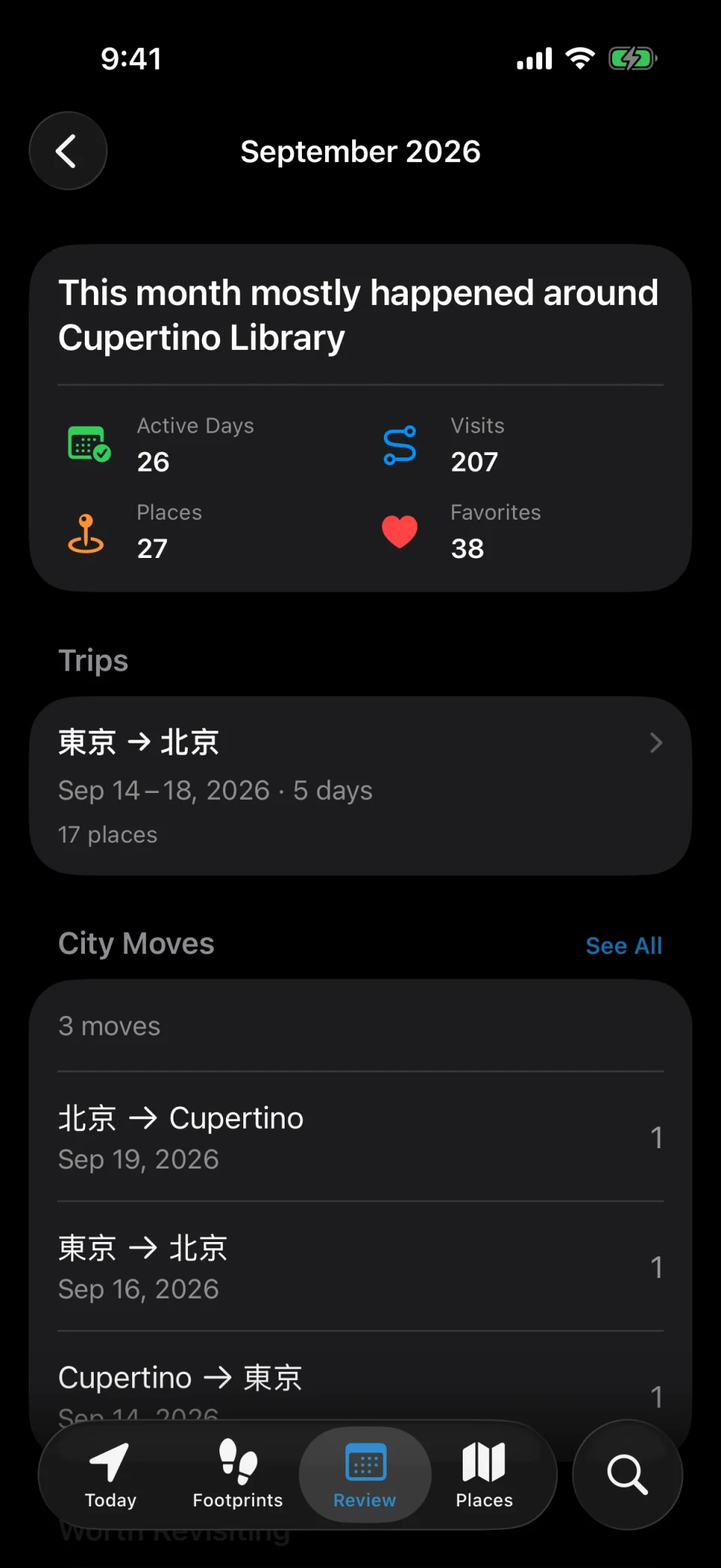
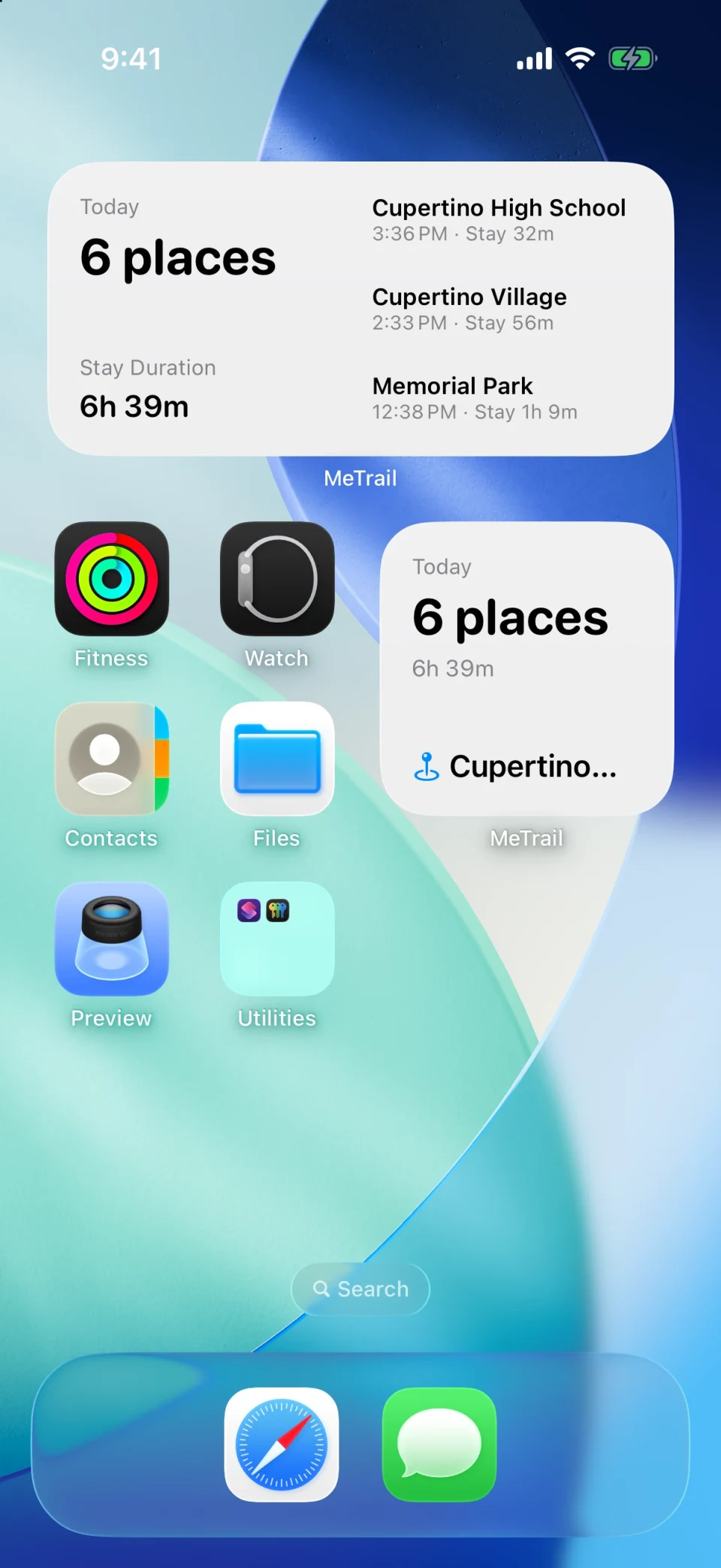
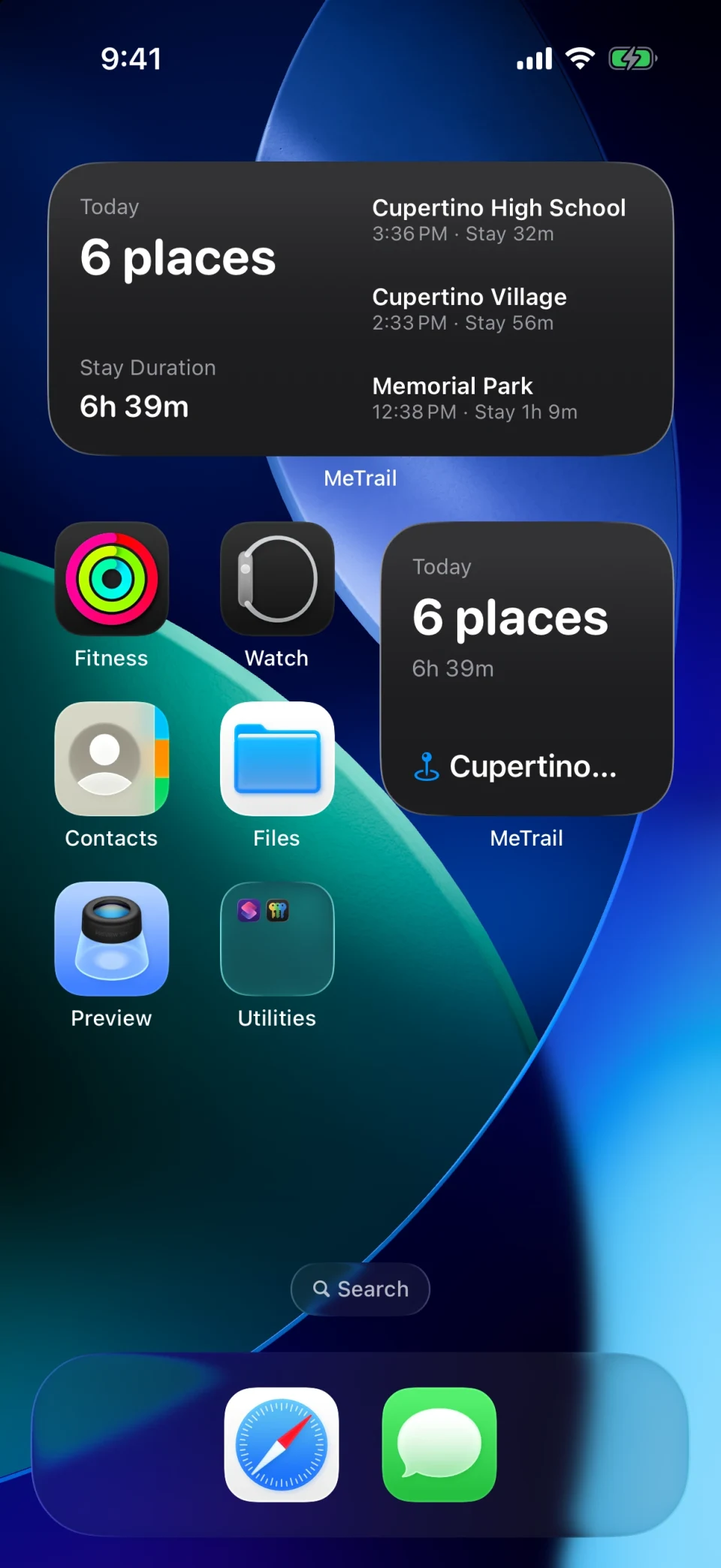
The Today timeline puts the day’s places in order: when you left home, when you reached work, and where you stopped in between. Weekly and monthly reviews show how your time splits across categories.
- Departure and arrival times on one timeline
- Weekly and monthly reviews with time by category and comparison with the last period
- Today’s summary on the Home Screen widget
Automation
Let arriving and leaving do something
Get an alert with its own sound when you arrive or leave, let family know you are on your way home, or send a request to your own service. Rules can be limited by place, time window, and frequency.
- Family alerts when you arrive or leave
- Forward events to Home Assistant, Telegram, Slack, Discord, and more
- A custom HTTP endpoint for anything else
How it works
No clocking in, no buttons
- 01
Allow location access
Grant Always location access once. Choose Precise for prompt arrival times, or Power Saving if you mainly care about the daily count.
- 02
Go about your week
MeTrail records the office, the gym, and everything in between. If the office is not matched well, adjust its location or widen the matching range once.
- 03
Check the count
Open the office’s place file for visits and total time, or the calendar for which days you were there. Export to CSV when you need the numbers elsewhere.
FAQ
Questions about tracking commutes and office days
- Does MeTrail record my whole commute route?
- No. MeTrail records stays, not continuous routes. It knows when you left one place and arrived at the next, so you see the commute time, but not every turn along the way.
- Can I use it as an official timesheet?
- It is a personal record. Arrival times depend on the tracking mode and can be a few minutes off, especially in Power Saving. Treat it as a helpful log rather than proof for an employer.
- Does my employer see any of this?
- No. There is no account and no MeTrail server. The history stays on your iPhone unless you turn on iCloud Sync (your own private iCloud), Smart Summaries (sent straight to the service you set up), or export, share, or forward alerts yourself.
- Can I trigger smart home actions when I get home?
- Yes. Hook Automation sends a request on arrival or departure, with templates for Home Assistant, IFTTT, and others, plus a custom HTTP option.
More ways to use MeTrail
The same history answers other questions too
- Google Timeline alternativeA Google Maps Timeline alternative for iPhone. MeTrail records your places automatically, keeps them on your device, and imports your Google Timeline export.
- Travel journalMeTrail turns every trip into a travel journal on its own: the cities, the places, how long you stayed, and the photos you took, laid out day by day on a map.
- Location diaryMeTrail is a location diary for iPhone. It records the places you go and how long you stay, so you can open any date and see where you were, in order, on a map.
Start today, and leave yourself something to look back on
Install it, grant the permission once, and let it run. On the day you need to look something up, you will be glad it was on.
Requires iOS 18.0 or later. Background recording, notifications, and automation depend on system permissions.